


Billing that finally matches how your team works
Convert your won deals into contracts and invoices, automate collects, and sync revenue data to your ERP, all without the operational headaches.
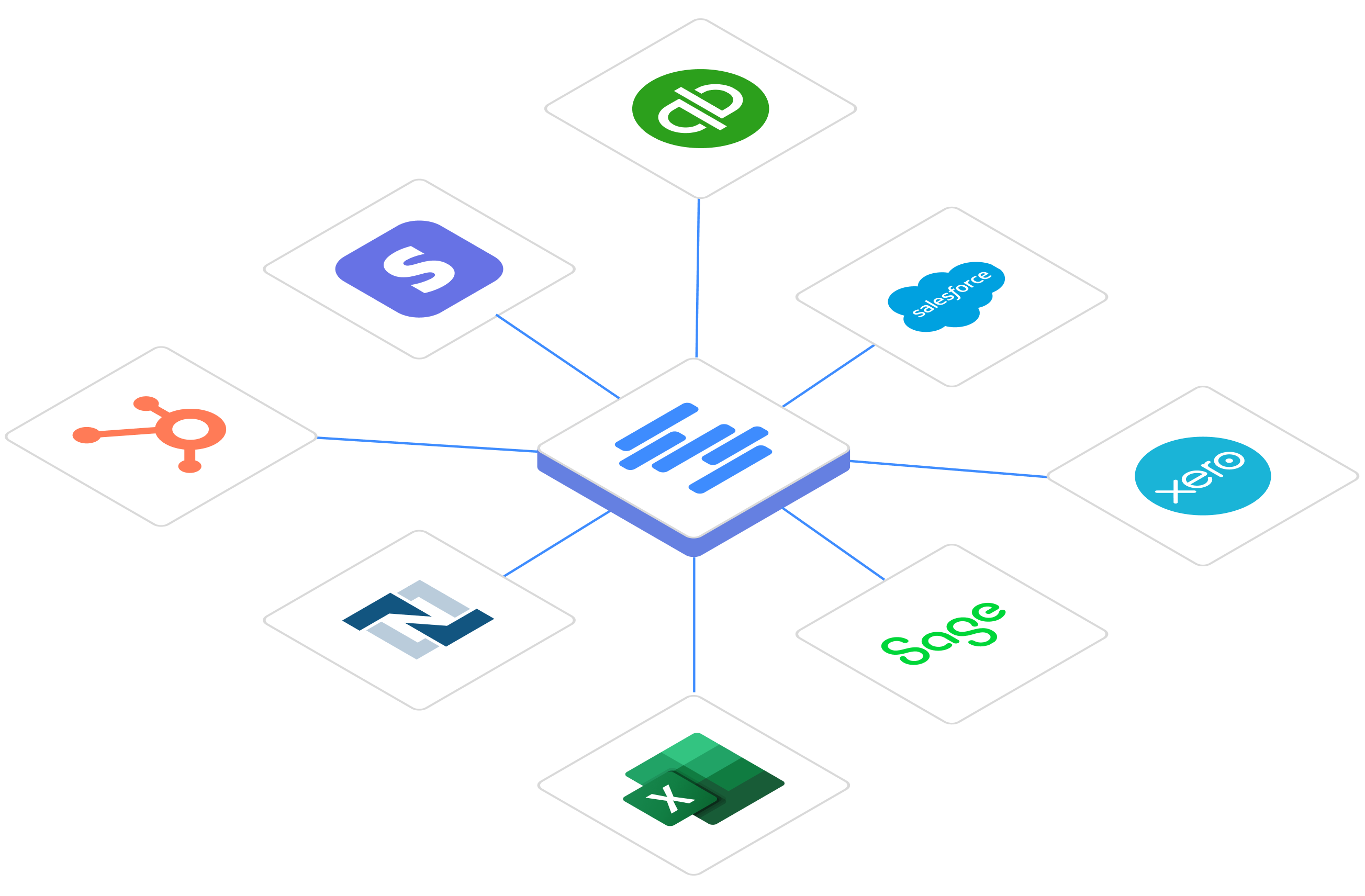
.svg)
.svg)
Manually creating invoices from CRM data and PDFs leads to billing errors and delays.
Bookings and Billing Drift Apart
Reentering contract details into your invoicing tool requires manual work and introduces errors.
Manual Catalog Maintenance Takes Hours
Teams waste time keeping their CRM, Stripe, and ERP product catalogs in sync.
Collections Slow Down Due to Rigid Logic
Without control over invoice schedules, reminders, and dunning, finance struggles to quickly collect payments.
Contract Updates Mean Pain
Changes like seat additions, usage-billing, and upsells require manual proration, calculations, and reconciliation.
Automation Breaks Down
Contracts and invoices don’t sync to your ERP, leaving teams to manually connect the dots with CSV downloads and revenue recognition workarounds.
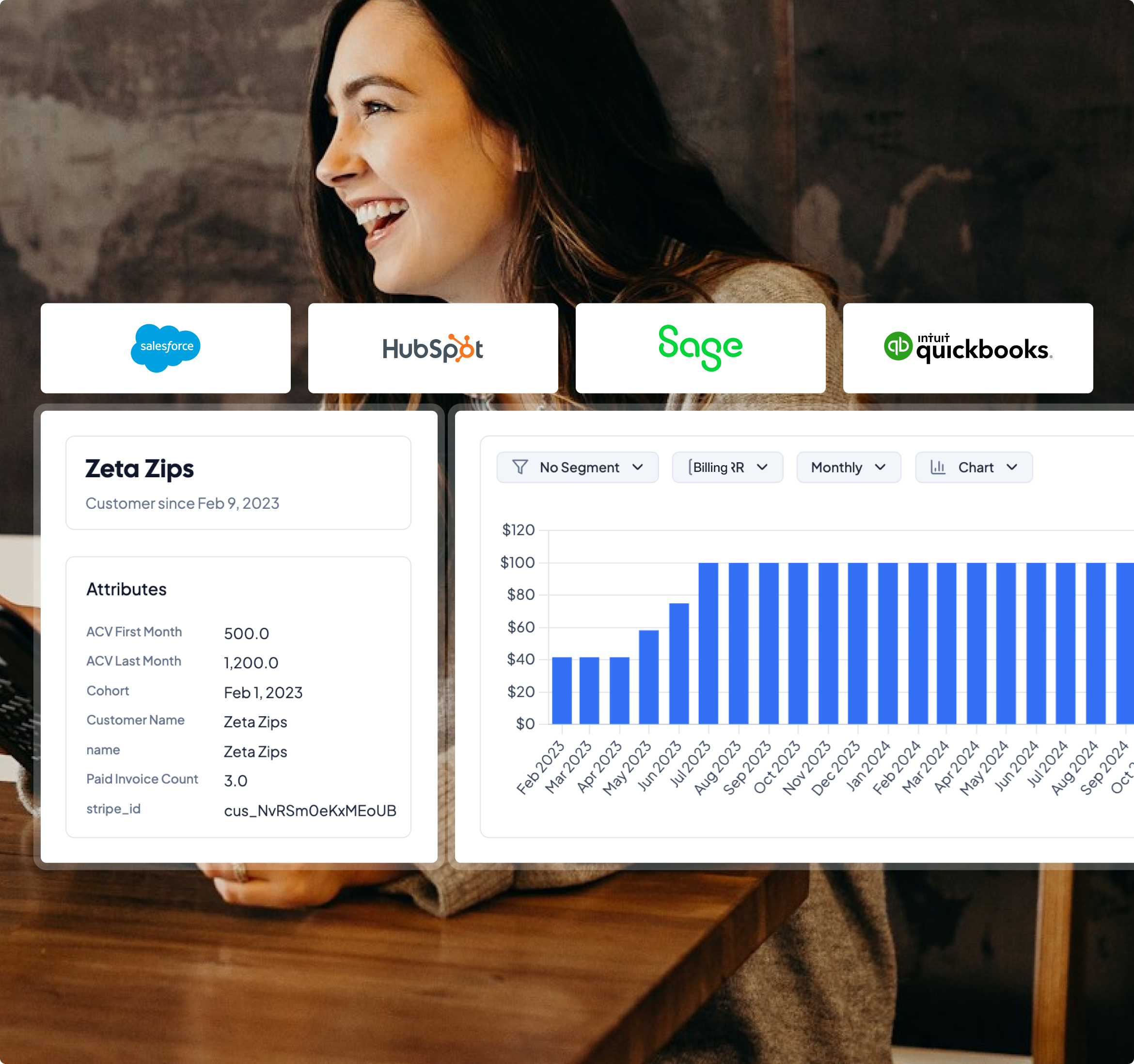
Use the Deals, Opportunities, and Quotes directly from your CRM to create contracts and schedule invoices. No manual data entry required.
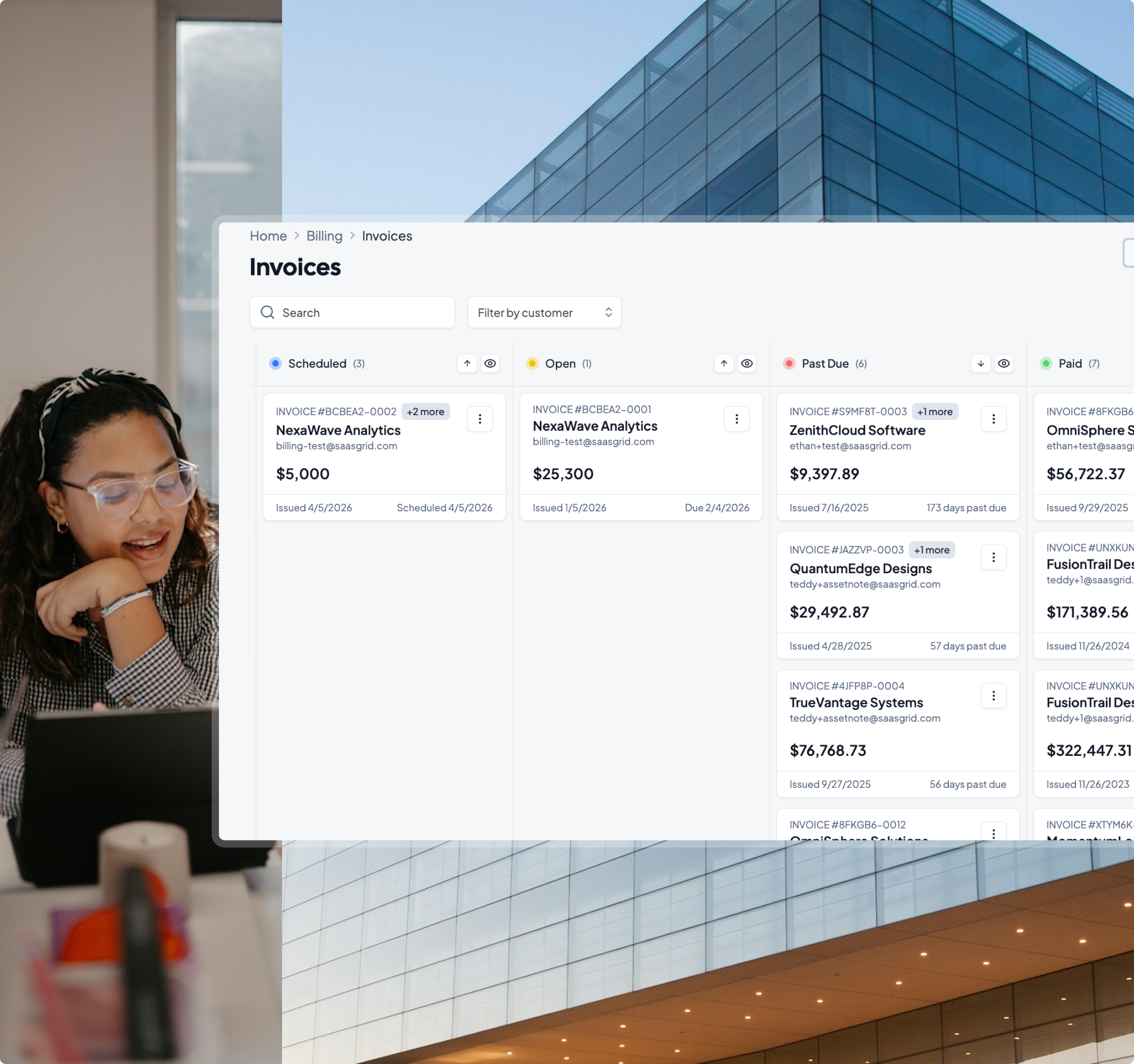
Handle usage-based billing, upsells, and cross-sells with ease.
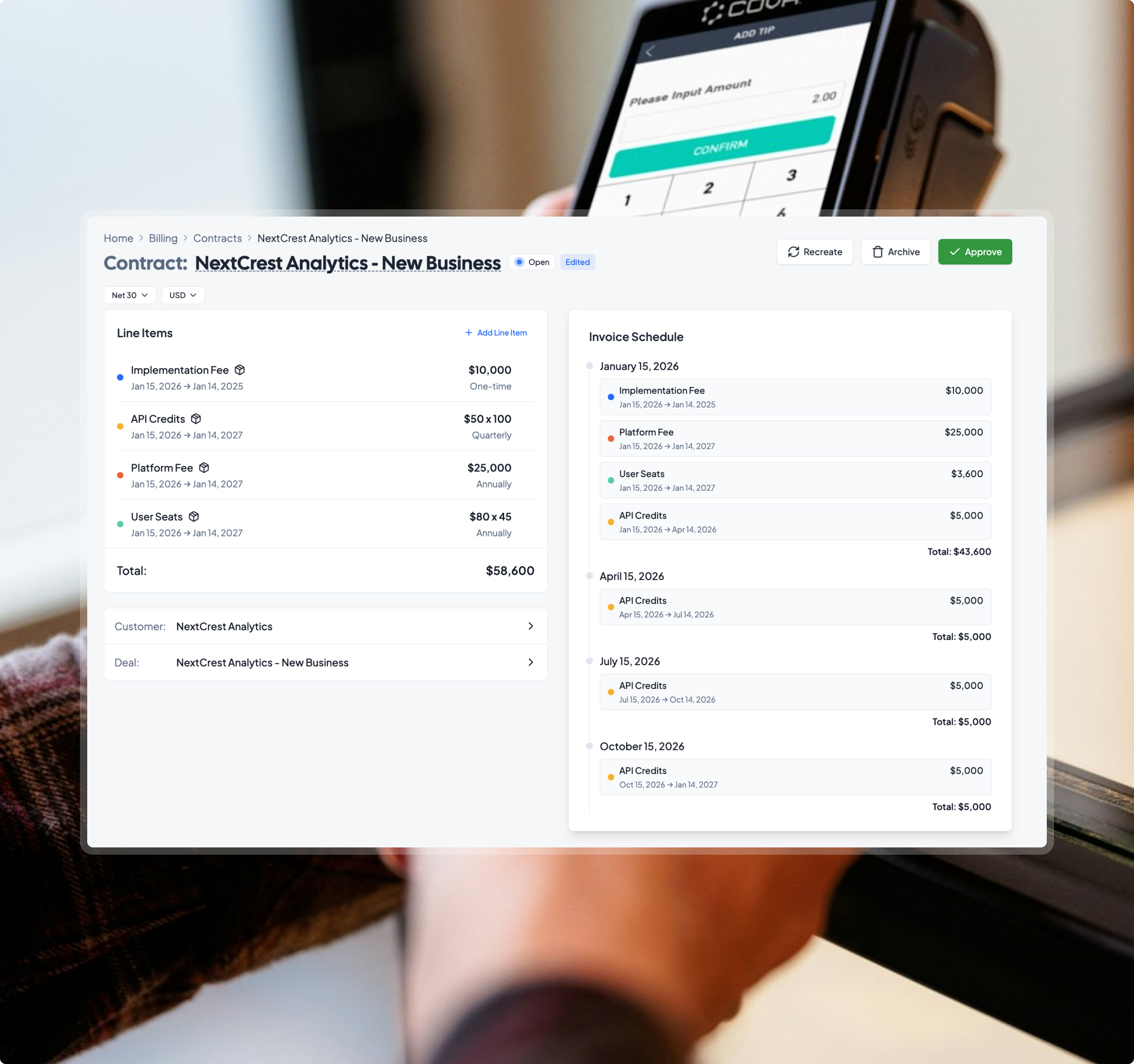
Accept payments via credit card, ACH, and bank transfer, and create custom dunning schedules to ensure you get paid on time.
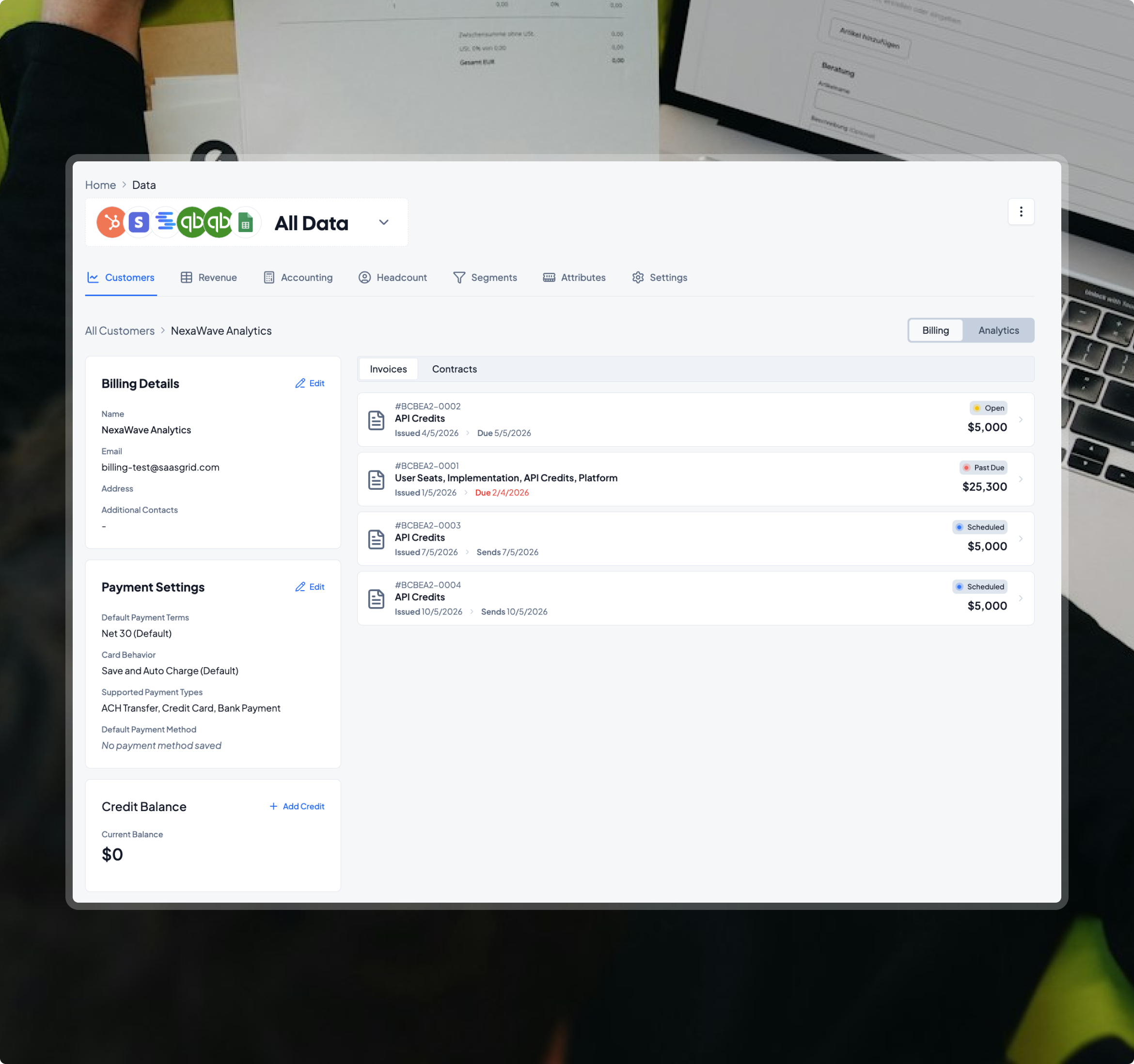
Invoices and payments automatically sync with your CRM and ERP data, letting you track every dollar in your business from lead to cash.
Billing – the way your team has always dreamed of
Connect billing to CRM data to automate invoices, payments, and revenue workflows without sacrificing control or flexibility.
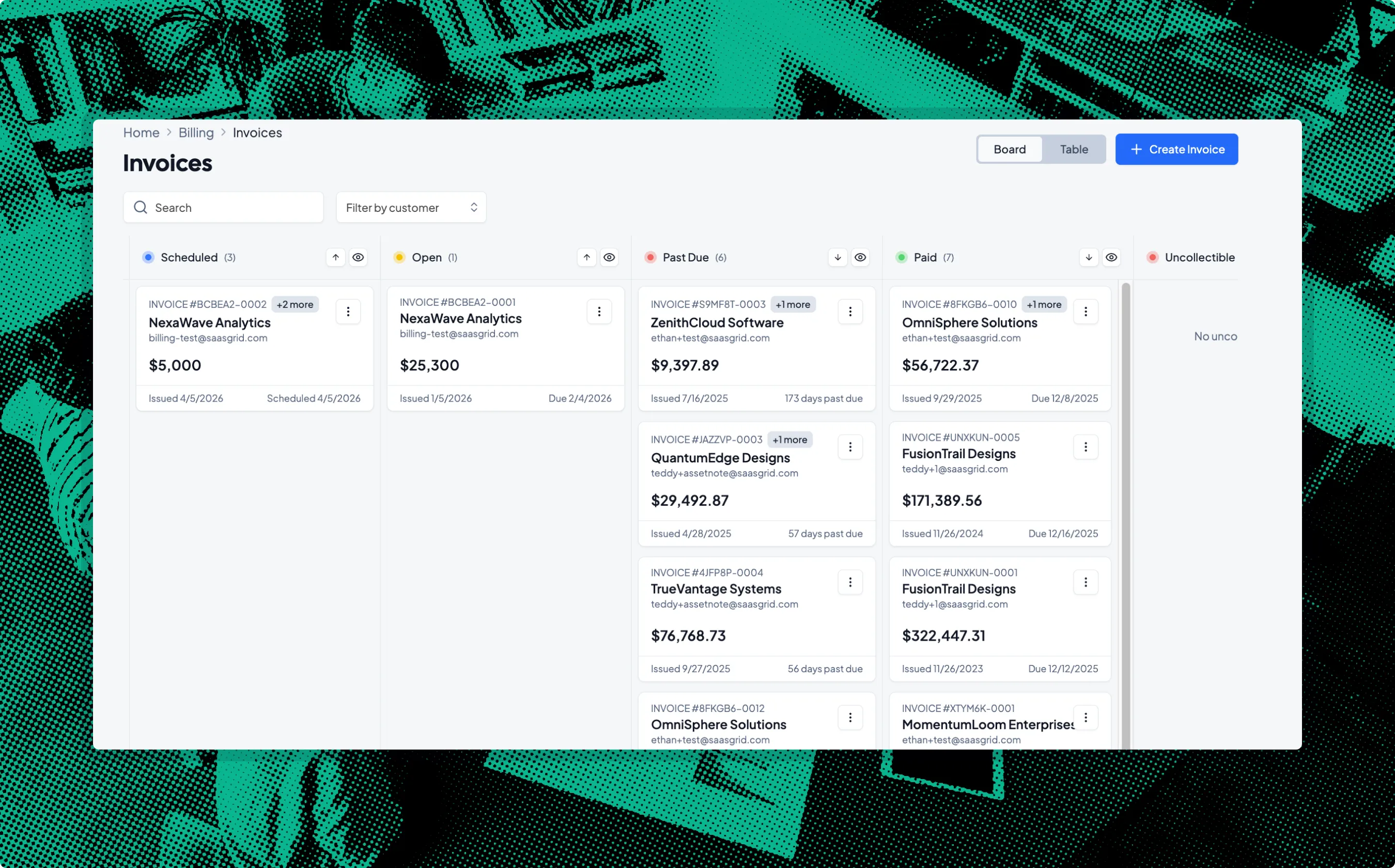



.webp)

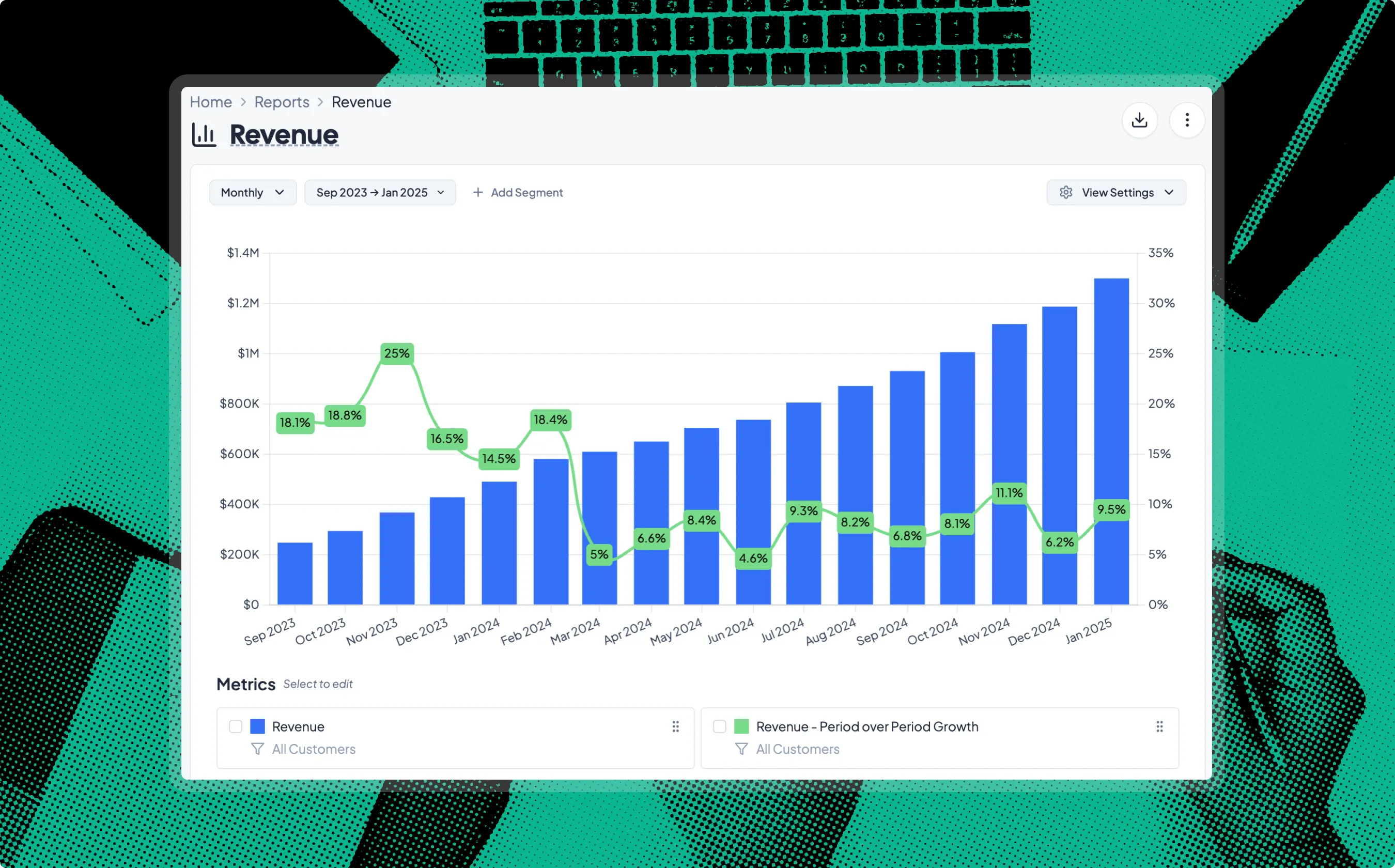

How Grid billing works

Everything captured in Salesforce or HubSpot becomes structured billing data inside Grid automatically.
No duplicating product inside Stripe
No manually creating subscriptions or invoices
No resending payment links
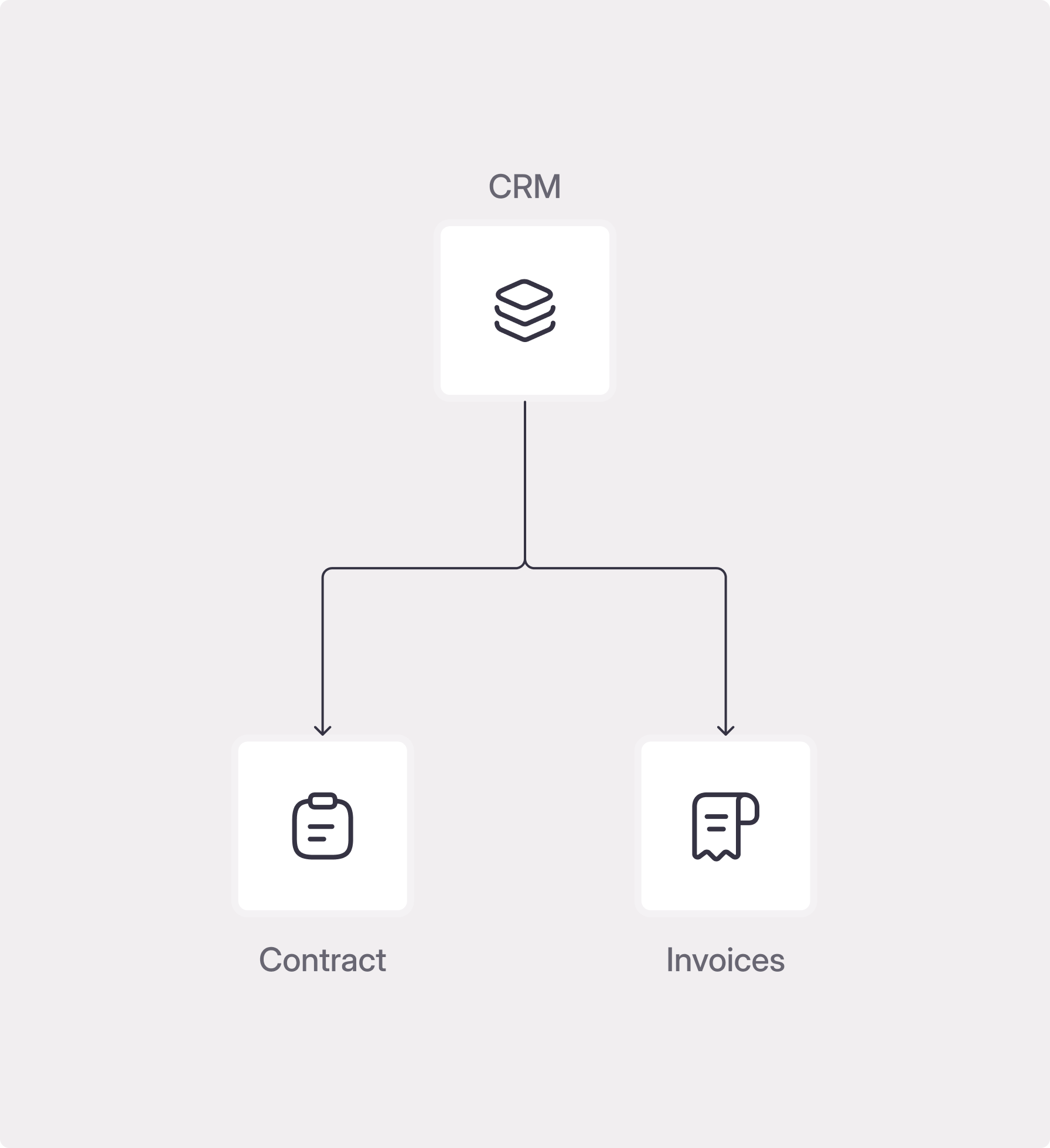
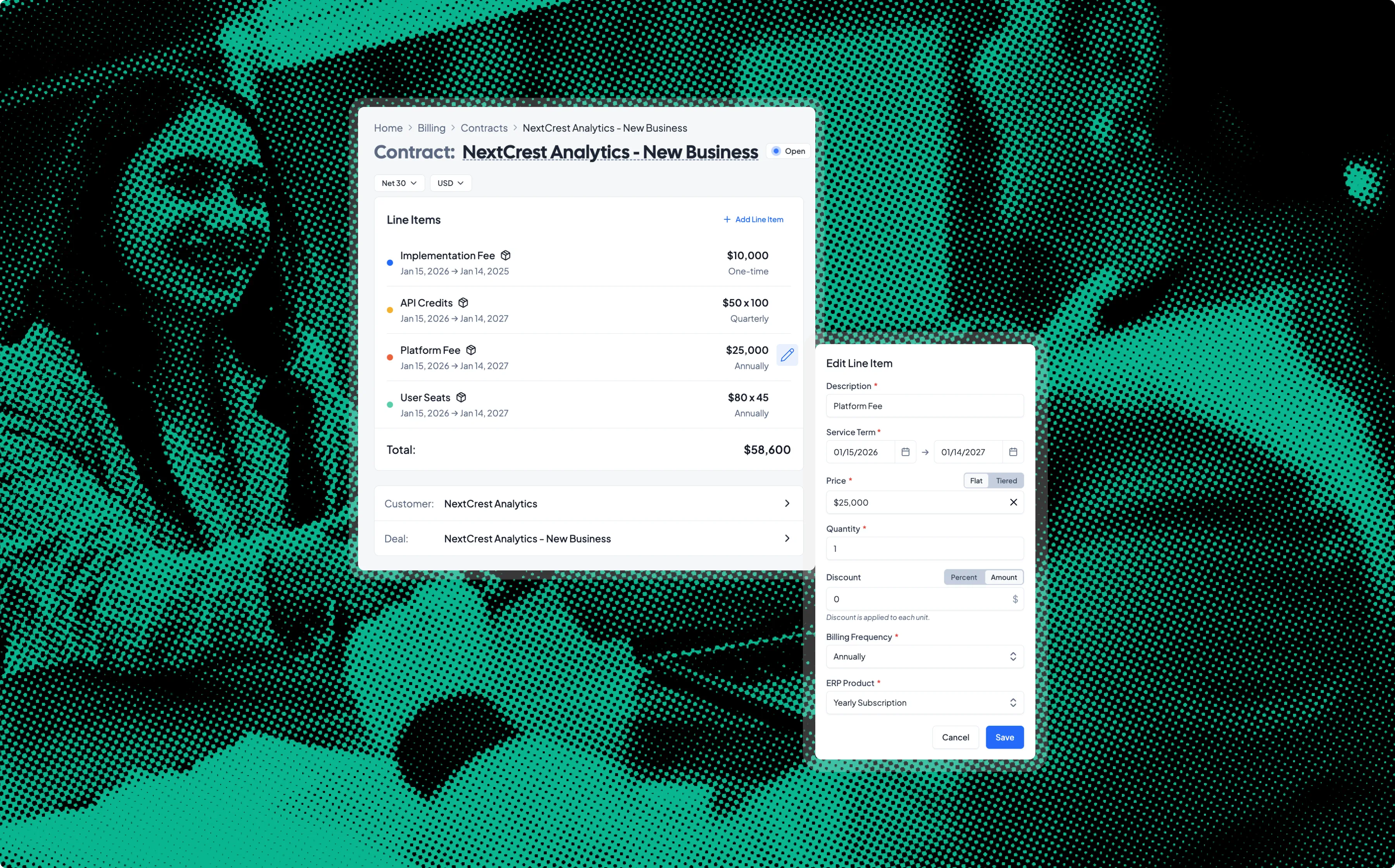
Grid turns CRM data into complete, editable contracts and billing schedules.
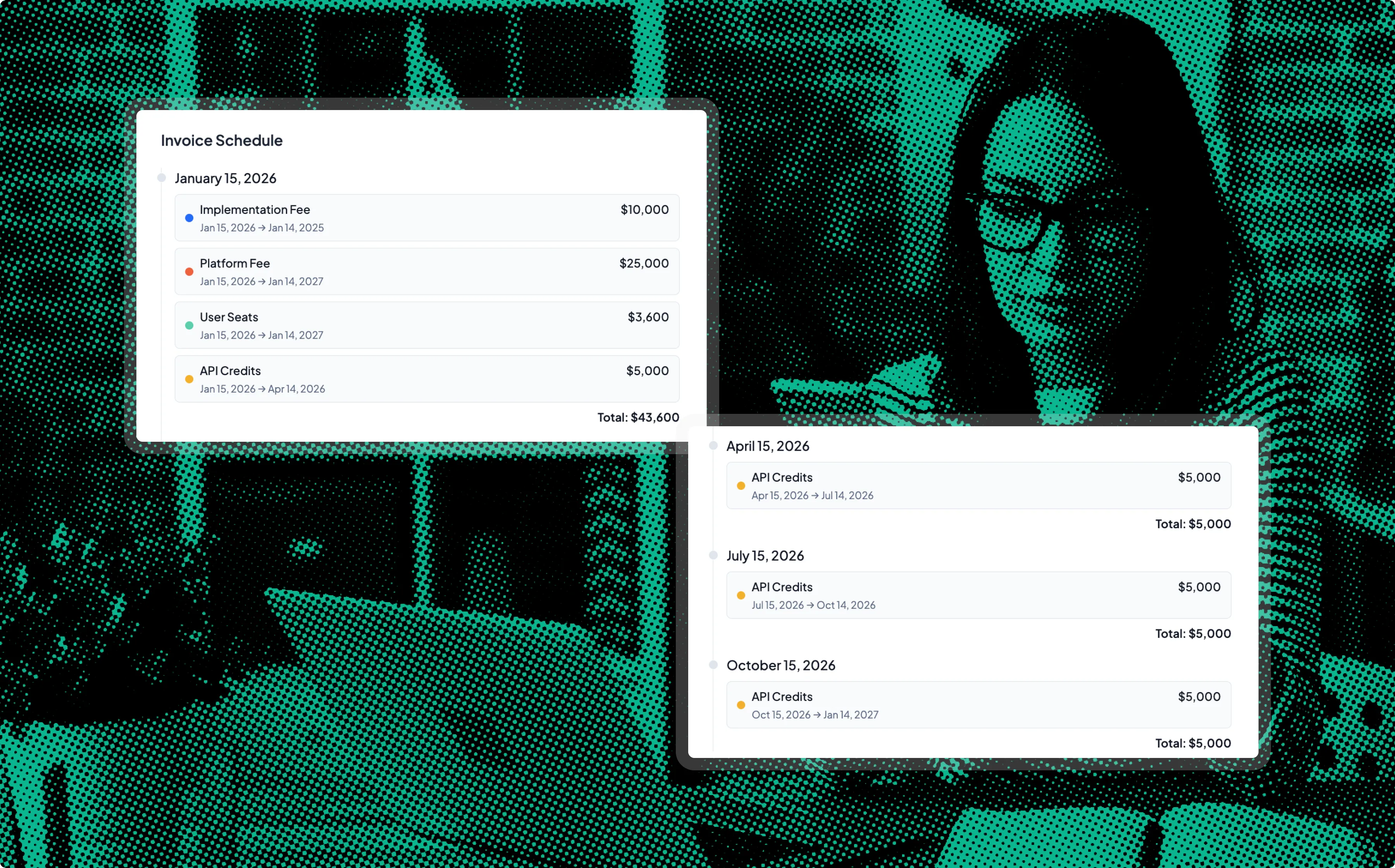
Handle complex pricing and billing schedules
Amend contracts and send automated prorated invoices
Keep billing aligned with contract modifications in real time
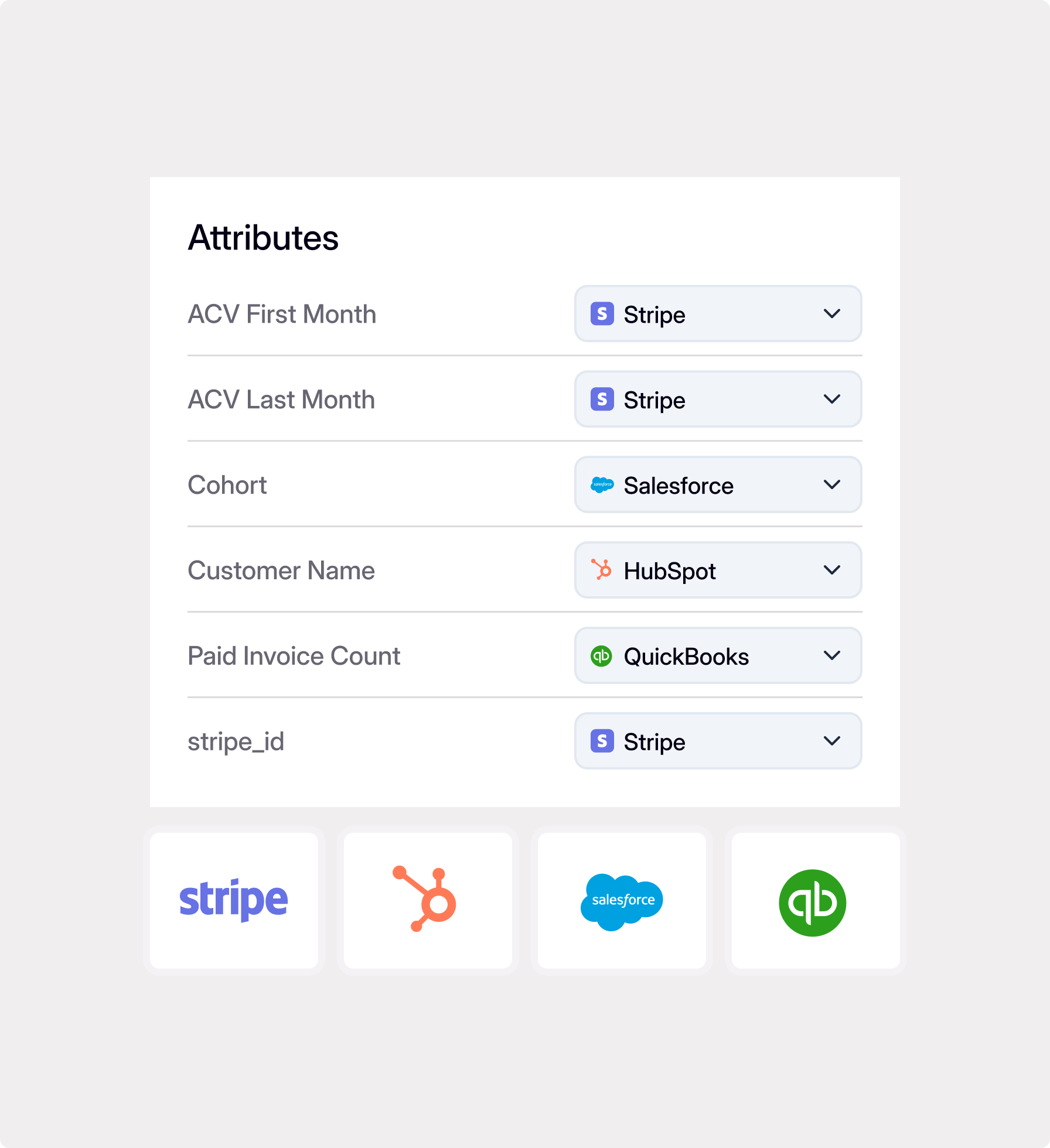
Emails are issued automatically according to the contract start date.
Customize payment reminders with automated dunning
Collect via credit card, bank transfer, or ACH securely through Stripe
Sync your revenue and invoice data to your ERP, automatically.
Trusted by finance and operations everywhere



“Before Grid, I spent hours manually reconciling data and building reports.
Now, the platform lets me pull insights quickly, freeing time to focus on higher impact activities that drive growth.”


“Reconciling financial data across Ops, Finance, and Sales used to be like pulling teeth.
Grid aligns it almost instantly and has become a critical tool for us, we would not operate without them.”
Everything together.
One system for all your billing operations.
From automated contract management to invoices and revenue recognition, Grid replaces fragmented workflows with one unified flow.
Without Grid Billing
Billing requires manual data entry from system to system. Quotes, invoices, and rev rec fall out of synic, manual work piles up, and things only get worse as pricing gets more complex.
Quotes, invoices, and accounting live in silos
Stripe fees quietly add up
Reminders and collections take manual work
Products don't match between systems
Data entry errors pop up when creating invoices
Billing is a manual, time-intensive process
With Grid Billing
Billing is a single, unified workflow. Opportunities become contracts, invoices, payments, and revenue without manual data entry.
Get one unified flow, from sales to revenue recognition
Never pay a percent of your revenue
Get full control over reminders and collections
CRM quotes convert to invoices automatically
Manage a single product catalog
Errors get detected and resolved automatically
Support usage, seat, and hybrid pricing models
FAQ
How does Grid turn closed deals into invoices?

Can Grid handle complex pricing models?
What happens when a contract changes mid-cycle?
How flexible are payment methods and collections?
How does Grid handle revenue recognition and deferred revenue?
Can we support parent-child accounts or multi-entity billing?
Can we migrate existing customers and historical contracts?
Will we need to duplicate our product catalog across systems?
