Your business needs accurate ARR tracking, see how these reporting tools compare and which fits your revenue model, data complexity, and reporting needs.
By Ethan Ruby, Grid Co-Founder and CEO
On This Page
On This Page
Want a cleaner way to report on revenue, billing, and growth metrics? Grid brings scattered data into one trusted view.
ARR reporting becomes harder as pricing models, renewals, and expansions increase in volume and complexity on your SaaS business.
Let’s go through five ARR reporting software options and explain how each helps you track recurring revenue, with forecasting, and with growth analysis. We based our comparison on software features and user feedback, focusing on accuracy, operational fit, and reporting scope across different SaaS maturity levels.
The Best ARR Reporting Software
Tool
Best For
Strengths
Pricing
User Score
GridTop Pick
SaaS companies that need standardized ARR reporting across billing, CRM, and finance
Consistent ARR definitions for new, expansion, contraction, churn, and net growth
Automated ARR and SaaS metric calculations that reduce spreadsheet work
Clear alignment across finance, RevOps, and leadership teams
Built for ongoing growth analysis rather than one-off reporting
Free to Custom Pricing
4.6
Discern
B2B SaaS teams focused on ARR forecasting and planning
Automated ARR and MRR calculations across renewals and expansions
Forecasting tied directly to pipeline and revenue performance
Faster close cycles through centralized ARR reporting
Available through demo
4.8
Maxio
Finance-led SaaS teams that need ARR aligned with billing and accounting
ARR reporting directly tied to subscription billing activity
Strong handling of complex pricing and contract structures
Alignment between recurring revenue metrics and financial systems
$599/month to Custom Pricing
4.4
Salesforce
Teams that want ARR-style reporting built inside their CRM
Pipeline visibility that supports modeling recurring revenue
Highly customizable dashboards and reporting
Forecasting workflows that connect pipeline to expected growth
$220–$250 per user plus add-ons
4.2
Zuora
Large SaaS companies with complex subscription and usage-based pricing
Flexible subscription billing for recurring and usage-based revenue
Centralized subscription and contract data feeding ARR calculations
Revenue recognition features that support accounting alignment
Custom Pricing
3.9
1. Grid: Structured ARR Reporting for SaaS Teams
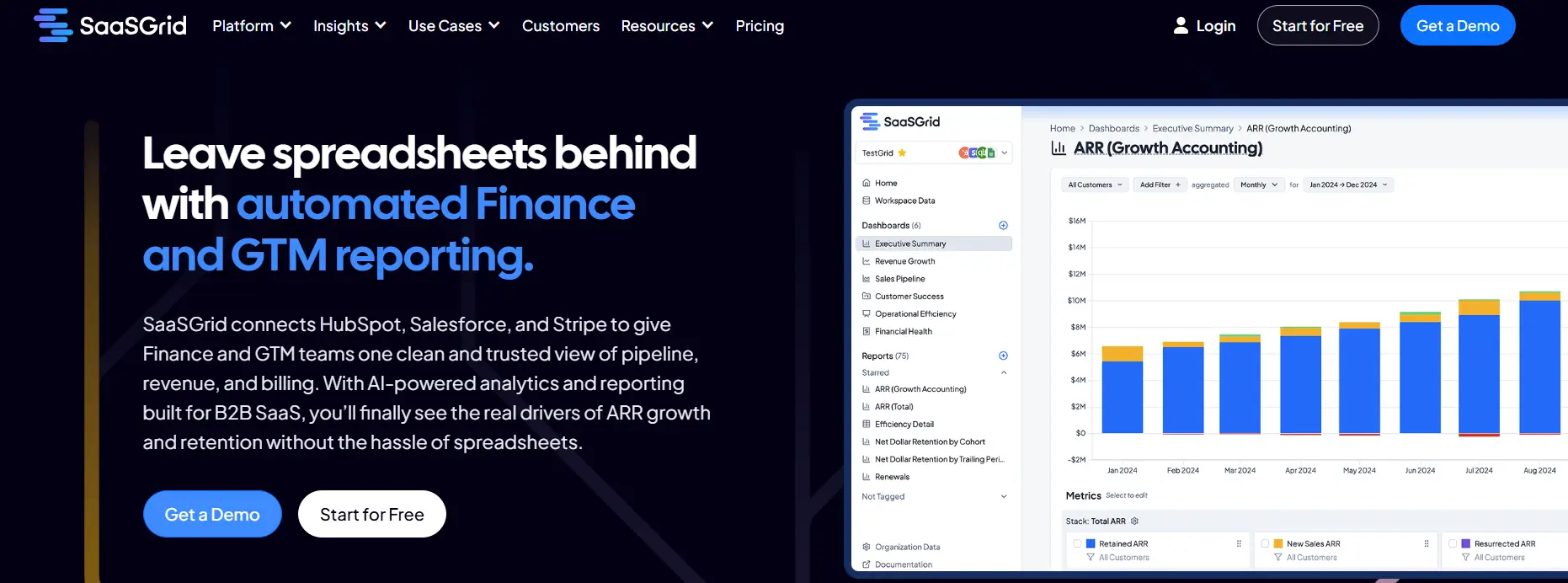
Grid is an ARR reporting software built to track recurring revenue, growth metrics, and subscription performance across billing and finance systems.
As an ARR reporting and SaaS reporting software, Grid focuses on turning raw subscription data into consistent ARR views, including new ARR, expansion, contraction, churn, and net growth.
User reviews highlight its helpfulness in standardizing definitions and reducing manual spreadsheet work, helping your team trust their ARR numbers over time.
Grid works great for companies that need clear growth metrics reporting without the hassles and added costs of maintaining custom models.
What Users Like About Grid for ARR Reporting
Easier ARR and core SaaS metric calculations
Users say Grid simplifies ongoing metric work by making ARR and related subscription metrics easier to calculate and review in one place.
“Grid has completely transformed how we track and analyze our SaaS metrics. What used to be a complex and time-consuming process is now fast, simple, and insightful. It takes the pain out of calculating metrics like ARR, churn, LTV, and CAC, and makes everything accessible through an intuitive, user-friendly interface.”
–
Verified User in Computer Software
Less spreadsheet upkeep for recurring revenue reporting
Reviewers say that once Grid is connected, teams spend less time maintaining and sharing spreadsheets for ARR reporting.
“The best part about Grid is it's seamless and easy to integrate into your CRM and begin to see SaaS metrics populate in minutes. This has taken the headache out of needing to make sure spreadsheets are up to date and sharing them out.”
–
Verified User in Computer Software
Clearer shared understanding of SaaS metric definitions
Users mention that Grid’s terminology and guidance help teams align on what each SaaS metric means and how it is tracked.
“Enjoying the tool. Easy and quick setup with Stripe. Our team has gained a better understanding of which metrics are most important to track, and their library of SaaS terminology is helpful. Ethan, one of the co-founders, was very helpful in answering my questions over email.”
–
Charles F.
2. Discern: ARR and Growth Metrics Reporting for SaaS
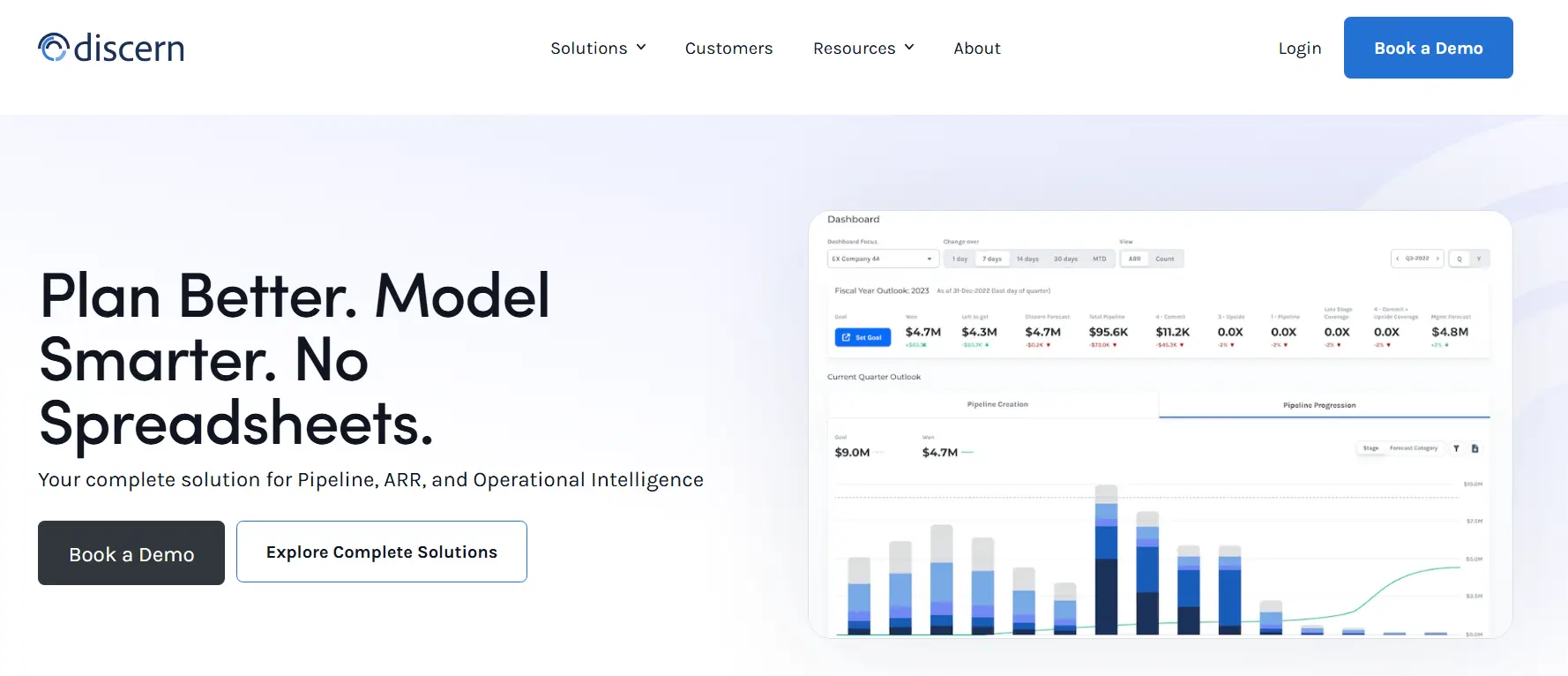
Discern is a SaaS reporting platform that helps B2B software companies calculate, track, and analyze ARR across sales, finance, and RevOps teams.
As an ARR reporting solution, Discern helps automate ARR and MRR calculations across renewals, expansions, and churn, reducing reliance on spreadsheets. It can connect CRM, billing, and financial systems to maintain consistent metric definitions and real time visibility into revenue performance.
User reviews often mention improved forecasting accuracy and faster close processes when ARR data is centralized. Pipeline analytics and renewal forecasting also help teams understand how bookings and customer behavior affect software ARR over time.
However, Discern requires upfront setup to map data sources and metrics correctly. Reviews note a learning curve for non technical users and less flexibility for ad hoc analysis compared to general BI tools.
What users like about Discern for ARR reporting
Faster and more consistent ARR reporting
Users say Discern reduces manual ARR reporting work and keeps historical and current ARR data consistent across periods.
“Discern enables us to standardize our ability to report ARR and CARR reporting from weeks to a single day.”
–
Carol Y.
Clearer ARR forecasting and planning
Several users highlight how Discern improves forecasting accuracy by tying pipeline data to revenue outcomes.
“Discern was a low lift, easy way for us to gain immediately pipeline visibility. The milestoned performance data in Discern made it easy for us to run planning for the year.”
–
Tej B.
Strong forecasting analytics tied to ARR performance
Users note that forecasting analytics help teams understand performance trends and revenue drivers over time.
“The increasing forecasting analytics is amazing. Collaboration on specific analytics benefits the team's visibility to performance.”
–
Felicia C.
3. Maxio: ARR Reporting Tied to Billing and Finance
Maxio is an ARR reporting software that connects subscription billing, revenue recognition, and financial data into a single system.
As an ARR reporting and SaaS reporting software, Maxio helps teams calculate and track ARR, MRR, churn, and expansion directly from billing activity.
Reviews mention its ability to handle complex pricing, invoicing, and contract changes, as a big plus. This has helped teams improve the accuracy of growth metrics reporting over time.
It can be a useful software for finance and operations teams that need ARR numbers aligned with accounting records.
Users mention limitations when it comes to flexibility. Maxio works best when billing flows are well defined, and teams with highly custom analytics or lightweight reporting needs may find the setup heavier than simpler ARR software options.
What users like about Maxio for ARR reporting
Clear visibility into MRR and recurring revenue
Users mention that Maxio makes it easier to review recurring revenue metrics and understand performance at a glance.
“I appreciate the section that displays MRR and provides insights.”
–
Jennifer M.
Reliable handling of complex SaaS subscriptions
Several users say Maxio works well for ARR reporting when subscriptions include complex pricing, terms, or contract structures.
“This is an effective tool for managing even the most complex SaaS subscriptions, as it is capable of handling all the intricacies involved in B2B subscriptions. The support team is excellent—always helpful and quick to respond. The integrations we used with CRMs Pipedrive and Hubspot were easy to set up and worked well.”
–
Matthew H.
Strong alignment between ARR reporting and financial data
Users highlight Maxio’s ability to sync billing and accounting data, which helps keep ARR reporting aligned with finance systems.
“Great for syncing with our GL, automating expense tracking, and aggregating that into financial summary reports. It's also quite customizable so we've been able to accomplish most of our goals with effort.”
–
Marc C.
4. Salesforce: ARR Reporting Through CRM Customization
Salesforce is an ARR reporting software when teams configure it to model subscription revenue and recurring contracts inside the CRM.
Salesforce is one of the most popular and well known platforms in the market. As an ARR software, Salesforce can help teams keep track of growth metrics reporting by tracking opportunities, renewals, expansions, and churn across accounts.
With custom objects, formulas, and reports, teams can approximate ARR reporting and align it with pipeline data. But user feedback mentions often that this flexibility comes at a cost in time and expertise.
Salesforce isn’t designed specifically for SaaS reporting, so meaningful ARR reporting requires ongoing customization and maintenance. That makes accuracy dependent on process discipline and admin effort.
What users like about Salesforce for ARR style reporting
Pipeline visibility that supports recurring revenue tracking
Users say Salesforce makes it easier to track pipeline stages and sales performance in one place, which helps when teams try to model ARR reporting off CRM activity.
“Salesforce sales cloud gives complete visibility of leads, accounts and opportunities across regions.” — Vidya P.
–
Vidya P.
Customizable dashboards and reporting for revenue insights
Users often highlight customization and reporting depth, which is the core reason teams can adapt Salesforce into an ARR reporting setup.
“Salesforce Sales Cloud shines in its flexibility and depth. I love how customizable the platform is. The reporting capabilities are especially strong, allowing me to surface insights quickly and track performance in real time.” — Verified User in Legal Services
–
Verified User in Legal Services
Forecasting workflows that help teams plan around growth metrics
Some users mention forecasting and structured workflows, which matter when ARR reporting needs to connect pipeline activity to expected revenue outcomes.
“Sales Cloud unifies leads, accounts, opportunities, and forecasting within a single workspace, making the sales process feel organized and efficient. I appreciate its high level of customization, particularly the automations, pipelines, and dashboards that can be tailored to fit real business requirements.” — Sheik Abdullah J.
–
Sheik Abdullah J.
5. Zuora: ARR Reporting for Complex Subscription Models
Zuora is a subscription billing and monetization platform that supports ARR reporting by tracking recurring, usage based, and hybrid revenue across the full customer lifecycle.
As an ARR reporting solution, Zuora captures detailed subscription, billing, and contract data that feeds software ARR calculations over time.
It handles upgrades, downgrades, renewals, and usage events, which helps finance teams understand how ARR changes across periods.
User reviews talk about a high degree of confidence in ARR accuracy, especially for companies with complex pricing or global operations. Its built-in revenue recognition can also help align ARR reporting with accounting standards.
However, keep in mind that Zuora is a complex reporting tool. Reviews note a lengthy setup process and reporting workflows that often require SQL or external BI tools, making it better suited for large SaaS operations with dedicated finance teams.
What users like about Zuora for ARR reporting
Flexible subscription billing and revenue recognition for software ARR tracking
Users describe Zuora as flexible for subscription billing and revenue recognition workflows, which supports more reliable ARR calculations over time.
“Zuora provides strong flexibility in managing subscription billing and revenue recognition.” — Arpit B.
–
Arpit B.
Centralized subscription and billing data that reduces errors
Users mention that putting subscription management and billing in one place cuts down on mistakes and makes recurring revenue reporting easier to manage.
“I like that it centralizes subscription management and billing in one place, saving time and currently quite a few errors, and it is quite flexible for handling various business models.” — ismael w.
–
ismael w.
Dashboards and reporting that improve visibility into metrics
Users highlight dashboards and reporting as useful for monitoring subscription KPIs that feed ARR reporting and growth metrics reporting.
“The dashboards and reporting capabilities give good visibility into metrics and KPIs.” — Verified User in Online Media
–
Verified User in Online Media
Conclusions
Depending on the size of your company, data complexity, and processes, ARR reporting software can meet different needs.
Some tools put more emphasis on standardized revenue metrics across systems, while others focus on accurate billing, forecasting, or CRM-based reporting.
Feedback from users shows that automation and consistency are the most important things, but they often come with costs in terms of setup time or flexibility.
The best ARR reporting software for you will depend on how well it fits with your revenue model, your reporting style, and the resources your team has available.
Ethan Ruby
Co-Founder and CEO at Grid. Ethan has over 10 years of experience in SaaS. He created Grid to help businesses get clear data without having to spend hours wrangling data and writing SQL queries.
Most advice on SaaS contract management is written for IT teams trying to cut vendor spend. If you're on the finance or RevOps side of a B2B SaaS company, that's not your problem. Here's how to actually track the contracts your customers sign, and why it matters more than you think.
In this guide, Chris breaks down the four metrics that help businesses optimize their performance, attract investor confidence during their next funding round, and position themselves for scale.








.avif)


