SaaS reporting tools help teams keep track of their costs, performance, and recurring revenue. As your company grows and subscription models get more complicated, finance and go-to-market teams need reports that cut down on manual work and keep definitions consistent.
Let's take a look at five SaaS reporting tools and compare them based on their main reporting focus, best use cases, and user feedback.
The Best SaaS Reporting Tools
Tool
Best For
Strengths
Pricing
User Score
GridTop Pick
SaaS companies with > $1M ARR that need consistent revenue reporting across billing, CRM, and finance
Centralized reporting for ARR, MRR, churn, retention, and pipeline
Consistent metric definitions across finance and go-to-market teams
Prebuilt reports that reduce spreadsheet use and manual reconciliation
Ongoing visibility into performance trends over time
Free to Custom Pricing
4.6
Maxio
Early-stage and mid-sized SaaS businesses with complex subscription billing
Direct connection between billing activity and financial reporting
Clear visibility into MRR, ARR, deferred revenue, and expansions
Reporting aligned with accounting and compliance requirements
$599/month to Custom Pricing
4.4
CloudZero
SaaS teams that need detailed reporting on cloud infrastructure costs
Cost reporting tied to products, features, teams, or customers
Real-time dashboards and anomaly detection for cloud spend
Accurate reporting without strict tagging requirements
Available Through Demo
4.6
ChartMogul
B2B SaaS teams focused on subscription revenue metrics
Clear reporting for MRR, ARR, churn, cohorts, and LTV
Fast setup with direct connections to billing systems
Focused analytics without unnecessary reporting complexity
Start for free and scales with ARR
4.6
Baremetrics
SaaS businesses that want automated subscription reporting and forecasting
Automated dashboards for MRR, ARR, churn, and ARPU
Direct integrations with billing and payment processors
Forecasting and segmentation to support planning and analysis
$49 to $749/month
4.6
1. Grid: Centralized SaaS Reporting Across Revenue Systems
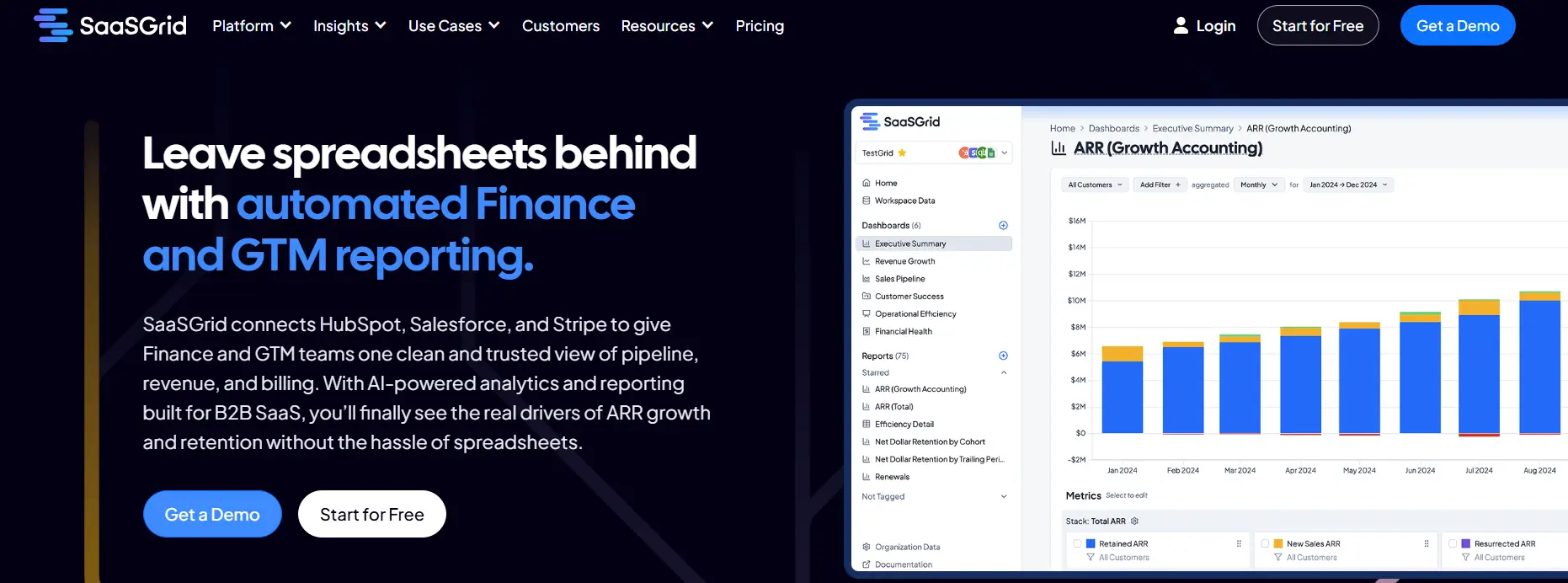
Grid is a SaaS reporting tool that lets teams keep track of and look at recurring revenue metrics from billing, CRM, and finance systems all in one place.
As a SaaS reporting platform, Grid focuses on making sure that the definitions of ARR, MRR, retention, churn, and pipeline movement are always the same.
It links data from common tools like Stripe, Salesforce, and Hubspot to show it all in a single dashboard through a reporting layer made for finance and go-to-market teams.
Reviewers often talk about how useful it is as a common source of truth that cuts down on spreadsheet work and manual reconciliation. Grid is a good choice for analytic reporting when accuracy and alignment are important.
What Users Like About Grid as a SaaS Reporting Tool
Centralized reporting for key SaaS metrics
Users say Grid brings SaaS metrics together into a single reporting layer, making it easier to understand performance without switching between multiple tools.
“Grid has completely transformed how we track and analyze our SaaS metrics, making everything accessible through an intuitive, user-friendly interface.”
–
Verified User in Computer Software
Prebuilt SaaS reports that reduce manual analysis
Reviewers often highlight that prebuilt reports and charts make it easier to access SaaS insights while cutting down on spreadsheet work.
“The most useful reports and charts are prebuilt and easily integrated, so the time to value is incredibly quick.”
–
Dev D.
Ongoing visibility into SaaS performance over time
Users say Grid supports continuous reporting, helping teams monitor trends and changes instead of relying on one-off reports.
“We’ve been customers of Grid for years now, and we’ll keep being customers because it’s been great to see how far the product has come.”
–
Grant C.
2. Maxio: Reporting Built on Subscription Billing Data
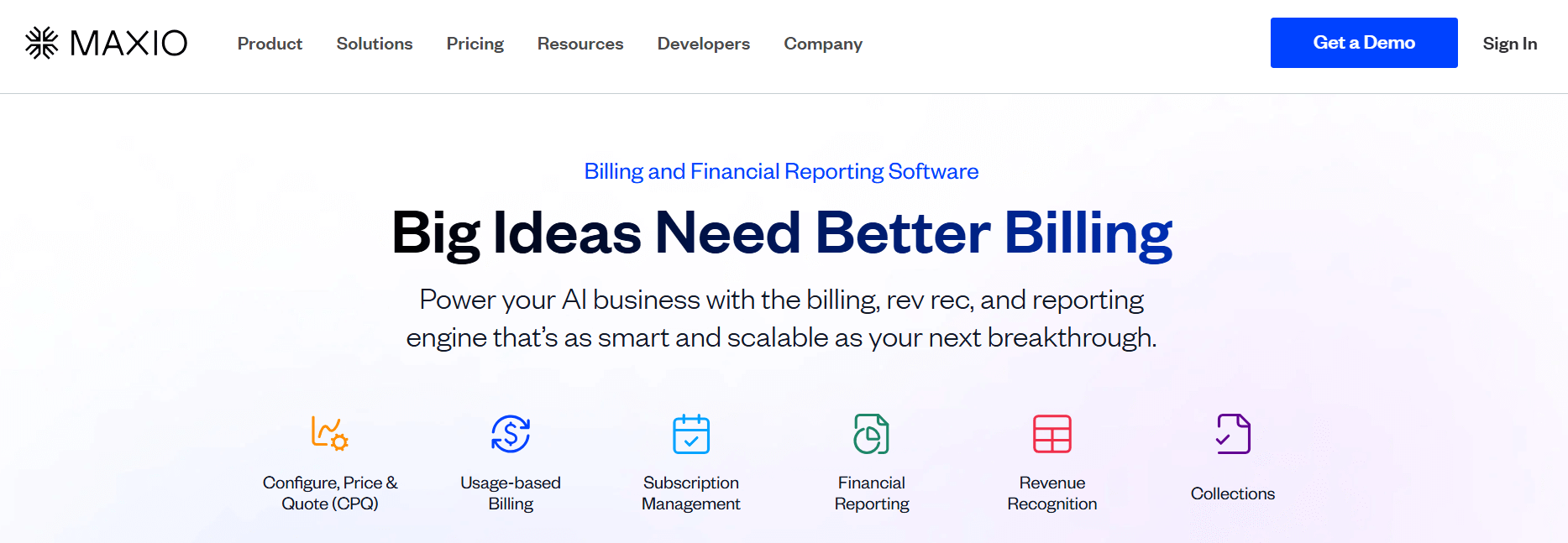
Maxio is a SaaS reporting tool that lets teams look at subscription revenue by putting all of their billing, payments, and finance data in one place.
Maxio is a SaaS reporting platform that focuses on metrics related to recurring billing, like ARR, MRR, churn, expansions, and deferred revenue.
This platform works for analytic reporting that needs to make sure revenue data follows accounting rules, especially for SaaS companies that have to deal with complex subscriptions.
Some reviews say that its strength is in linking billing activity to financial reporting, which cuts down on the need for manual reconciliation and spreadsheet work.
Other users mention that as a general-purpose SaaS reporting tool, it's not as flexible as platforms made just for cross-system analytics.
What Users Like About Maxio as a SaaS Reporting Tool
Strong connection between billing and financial reporting
Users say Maxio connects subscription billing data directly to financial reporting, making it easier to validate numbers and increasing confidence in reported revenue.
“Great for syncing with our GL, automating expense recognition, and helping us track revenue goals with effort.”
–
Marc C.
Clear visibility into recurring revenue metrics
Many users say Maxio makes it easier to track SaaS metrics like MRR and related indicators in a way that aligns with accounting requirements.
“I appreciate the section that displays MRR and other key metrics because it provides insights.”
–
Jennifer M.
Reporting suited for complex subscription and accounting rules
Reviewers mention Maxio is a strong option for SaaS companies with complex billing models that must follow accounting standards when reporting revenue.
“What I like best about Maxio is its robust subscription management capabilities that support both finance and operations teams.”
–
Verified User in Accounting
3. CloudZero: Cloud Cost Reporting for SaaS Businesses
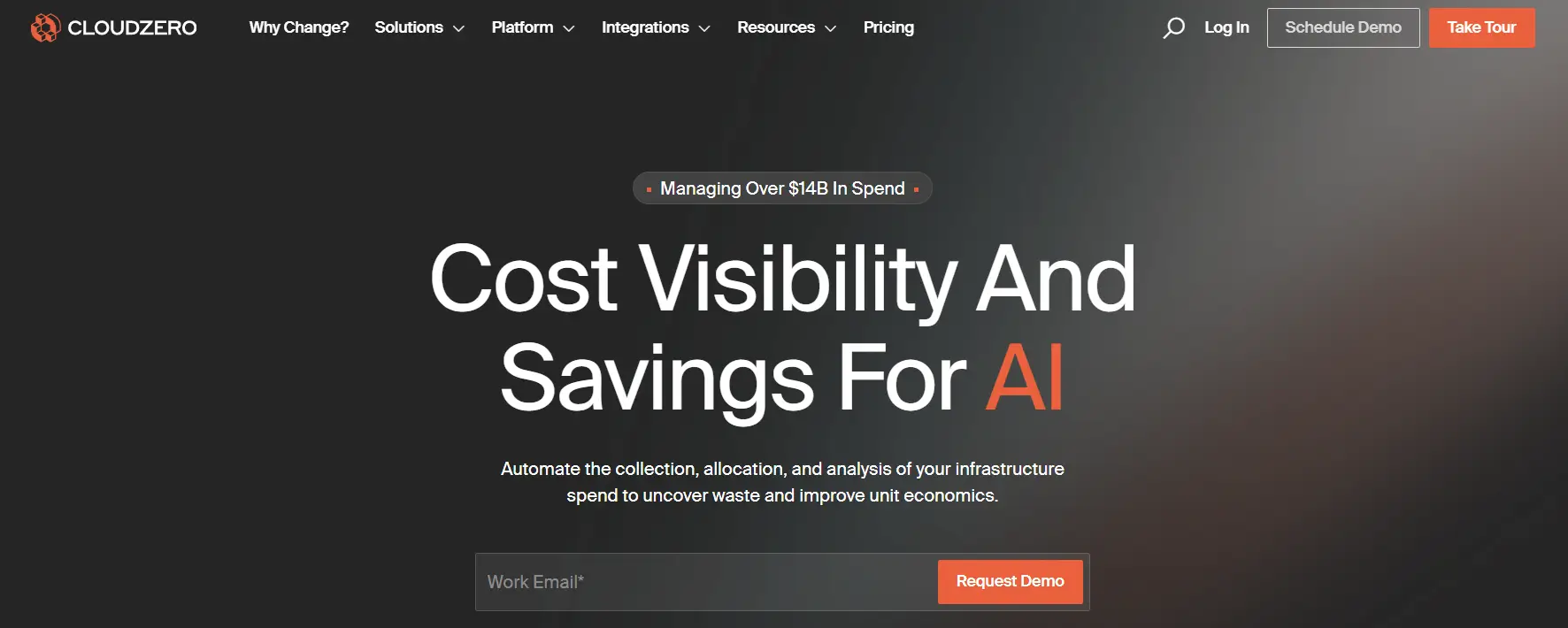
CloudZero is a SaaS reporting tool that helps businesses figure out how much they spend on cloud infrastructure by linking costs to business outcomes.
Price
Available Through Demo
Ideal use case
SaaS businesses that use a lot of SaaS products internally
CloudZero is a SaaS reporting tool quite different from the others in this list. It turns raw cloud billing data into reports that show costs by product, feature, team, or customer.
It helps with SaaS reporting by giving teams real-time dashboards, unit cost metrics, and helping them detect anomalies so margins and cost drivers are easier to figure out.
User reviews mention how well it can report accurately without strict tagging and how quickly it can be used to find cost spikes.
CloudZero is best at reporting on cloud spending. Reviews say it's not as good for reporting on subscription revenue, billing, or licenses, so companies often use it with other SaaS reporting software to fit all their needs.
What Users Like About CloudZero as a SaaS Reporting Tool
Cost allocation that clarifies unit economics
Users say CloudZero helps break down cloud spending in practical ways, making it easier to understand cost drivers and their impact on SaaS budgets.
“I really appreciate how it enables proper budgeting and economic optimization, offering a precisely detailed cost allocation.”
–
Utsaw K.
Anomaly alerts that speed up cost investigation
Reviewers say CloudZero makes it easier to spot unexpected cost changes, helping teams respond more quickly to spending spikes.
“We also utilize the Cost anomaly alerts directly into slack, giving more clarity when something has changed to our engineering team.”
–
Dan C.
Accurate reporting without perfect tagging
Users say CloudZero can still support reliable reporting even when tagging and dimensions are not fully implemented, reducing the burden of strict tagging practices.
“On top of its interface, are the customizations that make it simple to update Dimensions which would otherwise require tagging efforts to be previously performed.”
–
Verified User in Financial Services
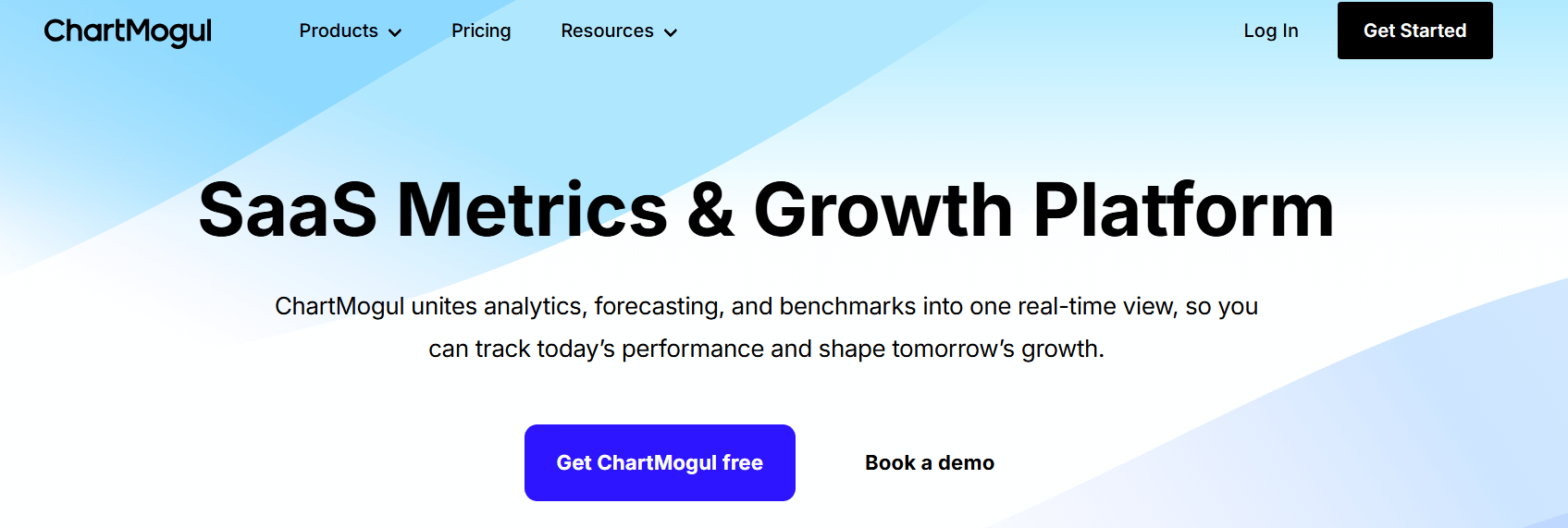
As a SaaS reporting platform, ChartMogul focuses on analytics reporting for MRR, ARR, churn, cohort performance, and customer lifetime value.
ChartMogul can be useful for teams that need to see revenue trends clearly without having to make custom reports from raw billing data.
Reviews often talk about how quickly teams can link billing systems and start answering common SaaS reporting questions.
The limits of this tool are related to its scope. ChartMogul is not meant to be a full analytic reporting tool for product, sales, or operational data. Instead, it focuses on subscription metrics. Teams that need to report on more things might need extra tools in addition to it.
What Users Like About ChartMogul as a SaaS Reporting Tool
Clear reporting on core subscription revenue metrics
Users say ChartMogul makes it easier to understand MRR, ARR, churn, and related subscription metrics without building custom reports from raw billing data.
“ChartMogul gives us a clear view of our subscription revenue and growth metrics.”
–
David L.
Quick setup and fast access to SaaS reporting data
Many users say it is quick to connect billing systems and start answering common SaaS reporting questions.
“It generates all business and finance metrics for a SaaS company in a very straightforward way.”
–
Victor P.
Focused subscription analytics without added complexity
Users say ChartMogul stays centered on subscription analytics rather than expanding into unrelated reporting use cases.
“I like that ChartMogul focuses specifically on SaaS metrics and avoids unnecessary complexity.”
–
Nicole R.
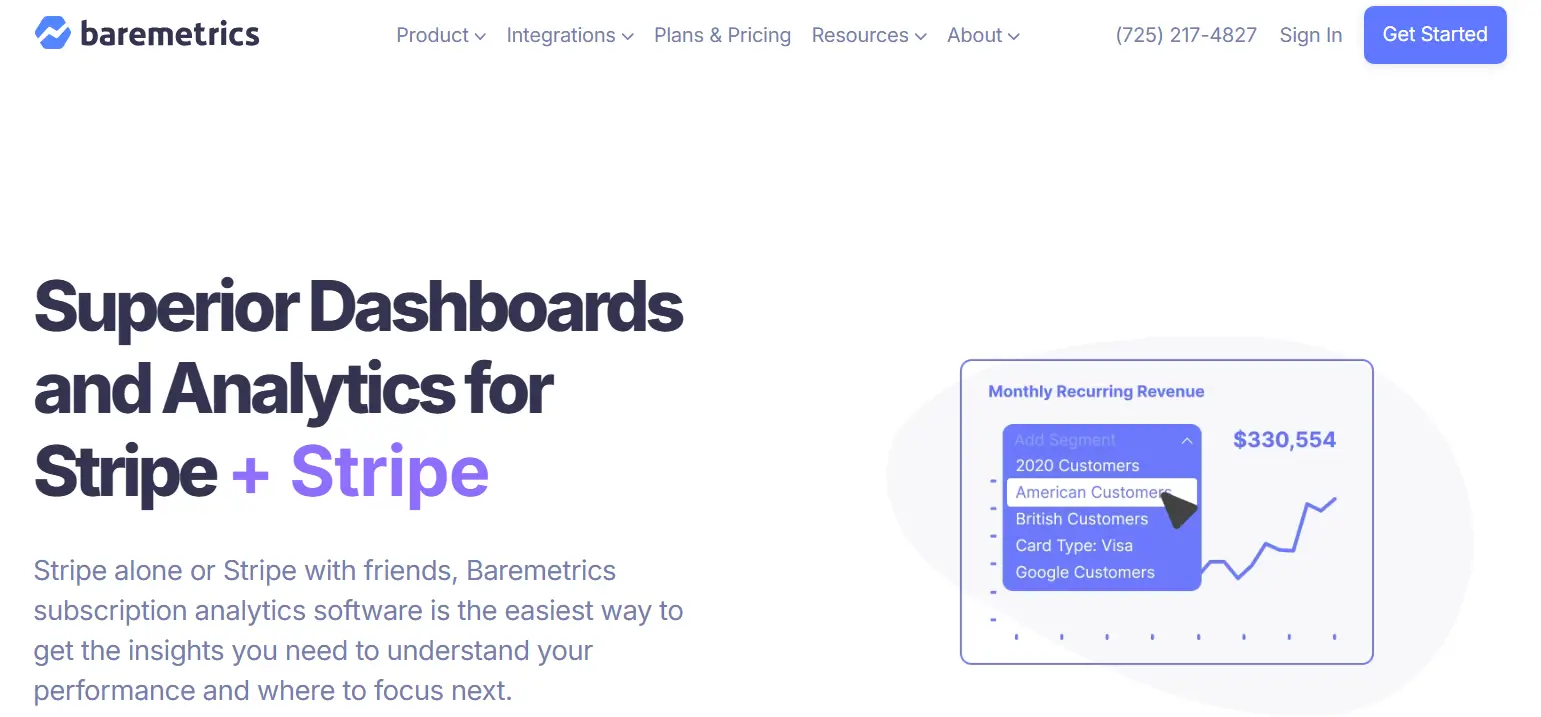
5. Baremetrics: Subscription Reporting for SaaS Metrics
Baremetrics is a SaaS reporting tool that helps subscription businesses track recurring revenue and customer metrics using billing and payment data.
Price
$49 to $749/month
Ideal use case
SaaS businesses that need focused in-depth analytics
Baremetrics is a reporting tool for SaaS that focuses on standard metrics like MRR, ARR, churn, LTV, and ARPU.
It connects directly to payment processors and accounting tools, potentially helping teams cut down on menial tasks like the need for manual data entry, while also making reports more consistent.
User reviews talk about the way automated dashboards take the place of spreadsheets, making it easier for finance and leadership teams to keep up with regular reporting. Forecasting and segmentation tools also help with planning revenue and analyzing customers over time.
That being said, Baremetrics is more for subscription reporting than for deep customization. Reviews say that advanced modeling and cross-system analytics have some limitations, which might mean that teams need to use it with more general analytic reporting tools as they grow.
What Users Like About Baremetrics as a SaaS Reporting Tool
Dashboards that run on their own
Users say Baremetrics makes it easier for finance and leadership teams to report on SaaS metrics by providing ready-made dashboards for recurring revenue.
“It offers all the reports you want. We're an early stage SaaS company, and it gives us all the metrics we need to understand our business.”
–
Jan Pilgaard C.
Direct connections to billing systems for reliable metrics
Reviewers point out that Baremetrics connects directly to payment processors, helping keep SaaS reporting accurate while reducing manual reconciliation work.
“Setup with Stripe is effortless, and you don't have to spend time configuring anything.”
–
Saggi N.
Forecasting and customer segmentation for planning
Users say Baremetrics supports forward-looking analysis by making it easier to forecast revenue and understand customer behavior over time.
“Baremetrics made it easy for us to understand cancellations and see why customers were leaving.”
–
Allison A.
Conclusions
No one SaaS reporting tool is the best for all businesses. Some platforms focus on standardizing revenue metrics across systems, while others focus on subscription analytics or cloud cost reporting.
The best choice depends on how complicated the data is, how broad the reporting is, and how teams use reports to make decisions. User feedback shows that automation and consistency are important, but there are trade-offs when it comes to flexibility, learning curve, and depth.
Ethan Ruby
Co-Founder and CEO at Grid. Ethan has over 10 years of experience in SaaS. He created Grid to help businesses get clear data without having to spend hours wrangling data and writing SQL queries.
Grid and traditional Financial Planning and Analysis (FP&A) platforms each offer powerful reporting capabilities and operational clarity for growing SaaS companies.