
SaaSGrid is now Grid! Read about our evolution here.
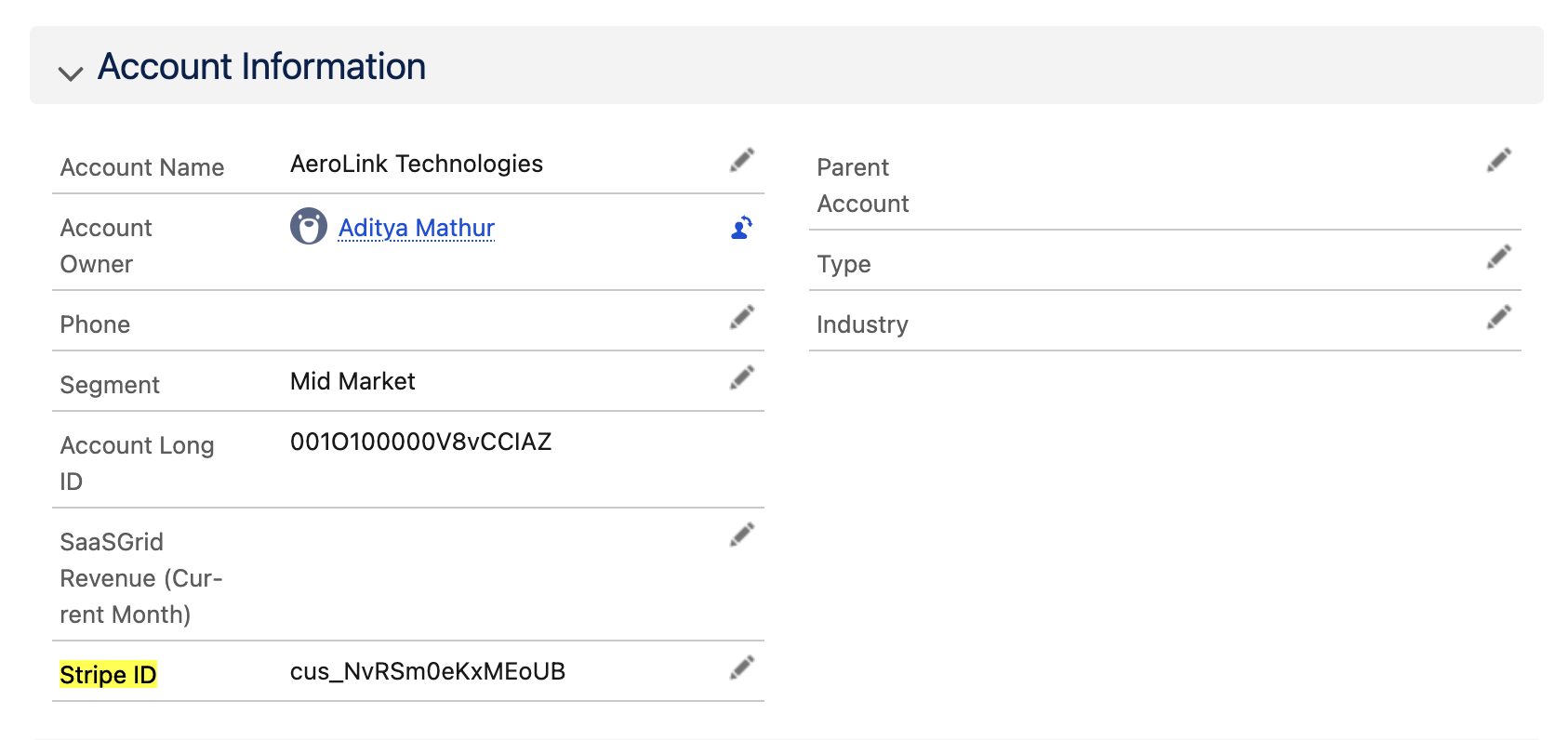
We’re excited to introduce Push to CRM, a powerful new feature that lets you sync customer metrics and attributes from Grid directly into your CRM. You can now push metrics from Grid or attributes from other integration directly to HubSpot or Salesforce. For the setup details, see our guide to integrating CRM and ERP data.
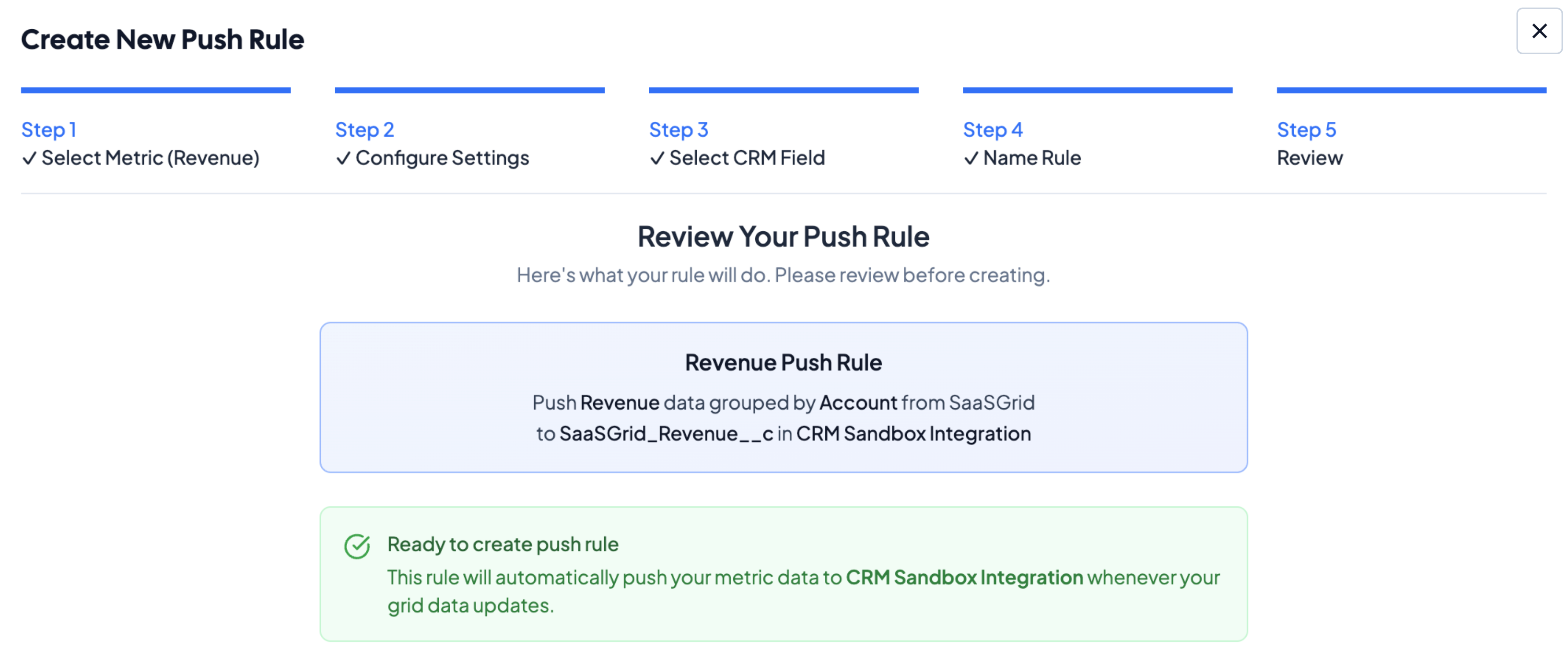
Push to CRM connects to your existing CRM and automatically detects available fields for mapping. You can set up two types of rules:
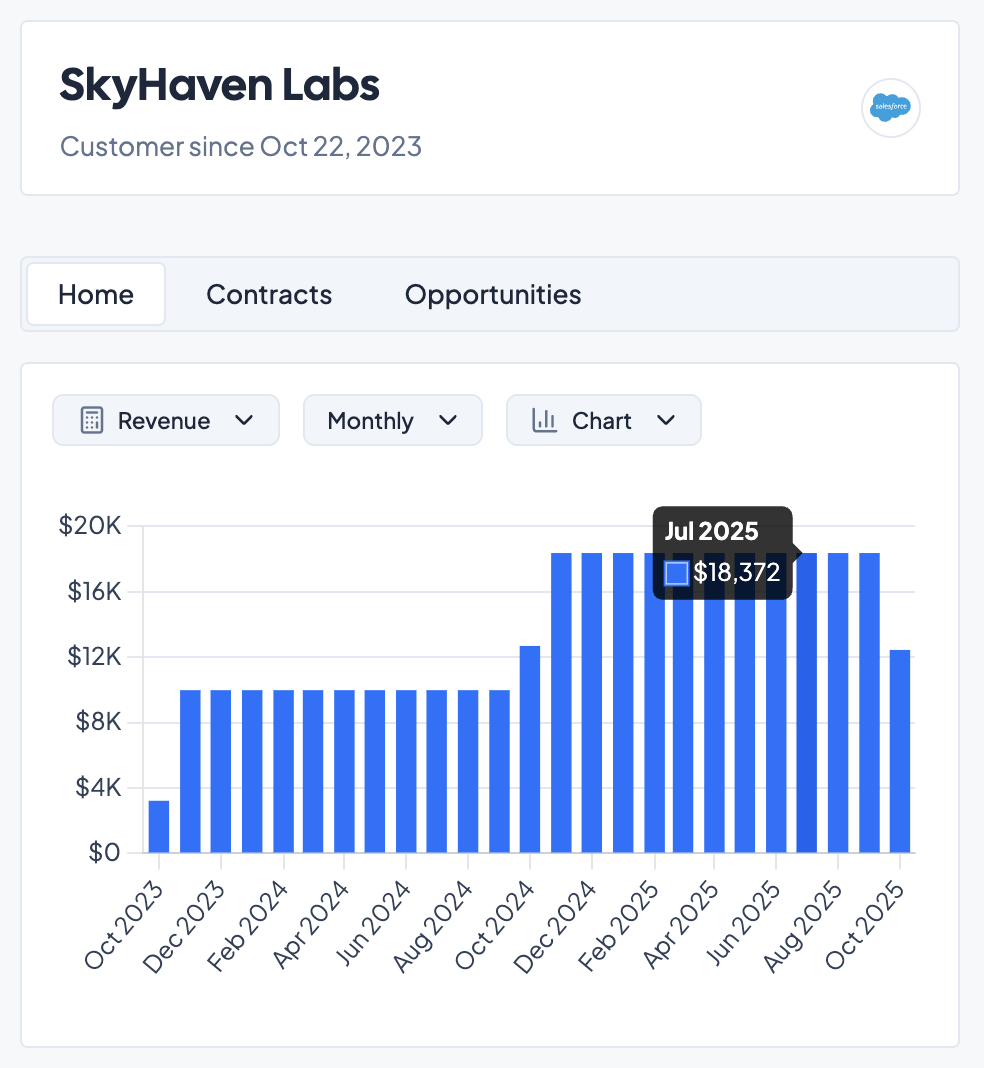

Push to CRM unlocks the full value of your integrations by making your analytics actionable across your go-to-market stack. Unlock your customer data across your business software:
If you have Salesforce or HubSpot connected with Grid, navigate to Workspace Data > Configure Data and click on the Push to CRM Integration tab to get started. For a complete guide on Push to CRM, check out our help center article here.
Don’t have a CRM connected to Grid? Talk to our team to learn more about our CRM integrations!


In this post, we’ll provide you with a side-by-side comparison so you can pick the ideal option for your scaling business.
Compare five financial dashboard tools for SaaS teams and see which fits your revenue, reporting, and planning needs best.

A high CPA is almost never a spend problem. Read how fixing conversion and channel allocation actually solves the issue.
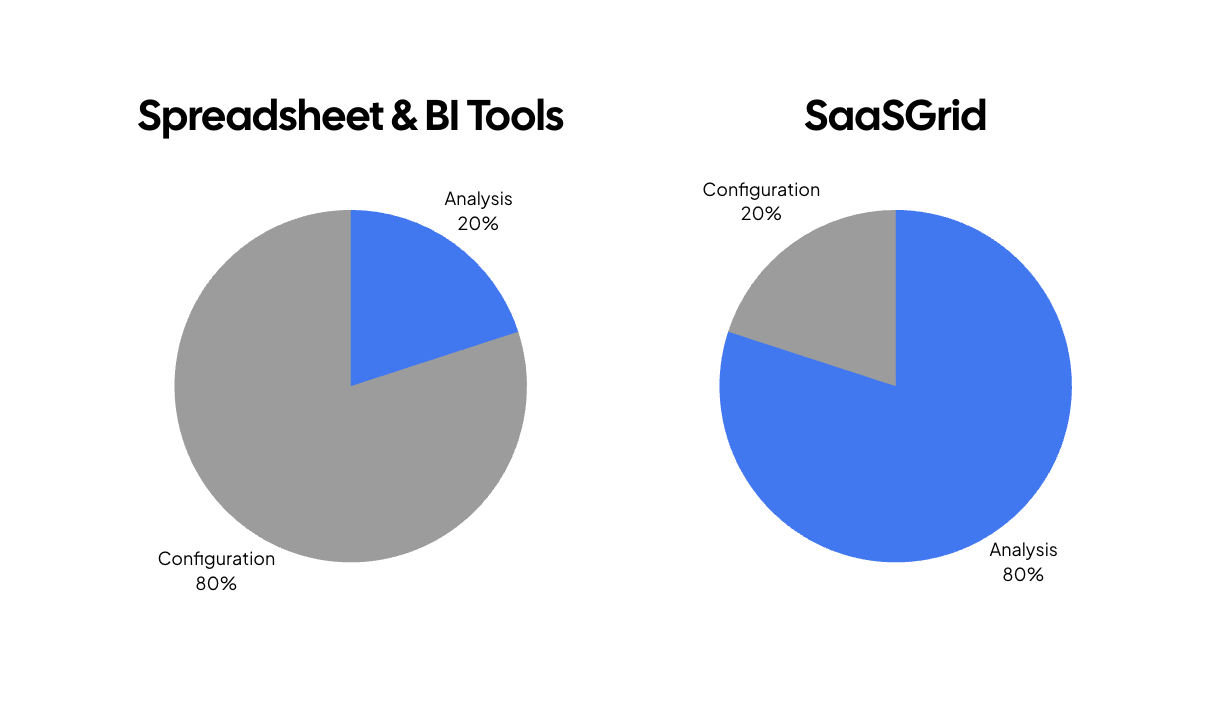
An all-in-one tool like Grid lets you track and visualize every dollar in your business automatically.


