The way your business bills customers, handles contracts, and closes its books will determine which revenue recognition software is the best for you.
Some platforms put more emphasis on SaaS metrics and reporting on deferred revenue, while others put more emphasis on automating billing or making sure that transactions are accurate at the level of individual transactions.
This article looks at five revenue recognition platforms that SaaS finance and RevOps teams often look at. Each section talks about how the software handles recognizing revenue, where it works best, and what users say about it in real life.
Revenue recognition is the accounting rule that determines when revenue shows up on your financial statements.
It’s not just “money in.” It’s revenue recognized when your business has earned it.
So, revenue will be recognized when it is earned, which is usually when the service is done or the product is delivered.
For SaaS, this usually means recognizing subscription revenue over time, not all at once when a bill is paid.
The matching principle for revenue in SaaS
The money you make and the costs that go along with it should show up in the same time period. That way, profit doesn't go up and down from month to month.
Let’s say your SaaS company signs a customer to a 12-month contract worth $12,000 billed upfront in January.
You also pay a $2,400 sales commissionto close that deal.
The matching principle requires that:
You don’t recognize the full $12,000 in January.
You don’t expense the full $2,400 commission in January either.
Instead you’ll spread the revenue across the contract length, so:
You recognize $1,000 of revenue per month for 12 months.
You amortize the $2,400 commission over the same 12 months.
That means you expense $200 per month.
If you recognized all revenue in January but spread the commission across the year, January would look artificially profitable.
If you expensed the commission fully in January but recognized revenue monthly, January would look artificially weak.
Accurate revenue recognition is not just an accounting detail. It directly impacts how healthy, trustworthy, and predictable your business looks.
Area
Why It Matters
Risks If It’s Wrong
How to Achieve It
Financial integrity
Your financial statements reflect the true health of the business.
Forecasts, budgets, and decisions are based on distorted numbers.
Automate revenue recognition rules and reconcile regularly with billing and ERP systems.
Stakeholder trust
Investors and leadership rely on consistent revenue reporting.
Credibility drops when numbers change or need restating.
Standardize revenue policies and use tools with clear audit trails and consistent definitions.
Regulatory compliance
SaaS companies must align with ASC 606 and IFRS 15.
Audit risk, fines, and reputational damage.
Implement software that applies compliant revenue rules automatically and maintains documentation.
Forecasting and planning
Clean revenue data makes forecasting and runway planning reliable.
Projections become reactive and inaccurate.
Use structured revenue schedules and deferred revenue tracking to build forecasts on real data.
Why you shouldn’t do revenue recognition manually
Your error risk goes up fast: When you have upgrades, downgrades, discounts, credits, usage billing, or hybrid models, manually recognizing revenue can be risky. The more complicated something is, the more likely it is that you will get the timing wrong.
It’s slow and expensive: Manual entry and spreadsheet workflows take time. It can also take weeks or months to find and fix mistakes. As a company grows this leads to having to hire more people to keep up, increasing operating costs.
Reporting visibility breaks: It's hard to get real-time reports with spreadsheets, and your forecasts aren't as accurate because your numbers go bad as soon as you export them. You’ll also lose time going back and forth in between versions, software, and datasets.
How revenue recognition automation works
Automation makes sure that revenue is always recognized correctly, consistently, and in line with accounting standards, instead of using spreadsheets and doing the math by hand.
Function
What It Does
Why It Matters
How to Achieve It
System integration
Connects directly to ERP, CRM, and billing systems to pull transaction data automatically.
Eliminates manual uploads and reduces data entry errors.
Native integrations, API connections, and automated data sync.
Automated rule application
Applies predefined revenue rules based on ASC 606 or IFRS 15 to every transaction.
Ensures consistent timing and allocation of revenue across contracts.
Configurable revenue schedules and logic layers applied to contract data.
Handling adjustments
Detects and processes refunds, discounts, upgrades, downgrades, and contract changes automatically.
Prevents broken schedules and manual spreadsheet rebuilds.
Automated recalculations and dynamic revenue schedules tied to contract changes.
Audit readiness
Maintains detailed logs linking revenue back to source transactions and contract terms.
Makes audits smoother and protects credibility during reviews.
Built-in audit trails, transaction history tracking, and reporting documentation.
5 Best practices for automating your revenue recognition
1. Understand the standards and be consistent
Make sure the system follows ASC 606 and IFRS 15 the same way every month. Consistency matters as much as correctness.
2. Document contracts clearly
Revenue recognition depends on contract terms. Standardize contracting so the system can reliably identify obligations, timing, discounts, refunds, and delivery rules.
3. Align data across teams
Sales, RevOps, and Finance need to agree on definitions and upstream data hygiene. Automation only works well when inputs are clean.
4. Keep policies current as your model evolves
If you introduce usage billing, freemium, annual plans, or hybrid pricing, revisit your policies and system rules so recognition stays accurate.
5. Get visibility into future revenue
Use revenue waterfall reporting to track recognized vs deferred revenue so planning is grounded in what’s already contracted and what’s still pending recognition.
1. Grid: SaaS-Focused Revenue Recognition and Analytics
Grid is a powerful SaaS revenue recognition platform that allows businesses who charge subscriptions to keep track of income and memberships, analyze performance, and report their revenue in an organized manner.
Price
Free to Custom Pricing
Ideal use case
SaaS Companies with >1M ARR
User Score
4.6 ⭐⭐⭐⭐
Grid helps finance and RevOps teams by automating the revenue recognition processes and making sure that the KPIs for recurring revenue meet the needs of accounting and reporting.
It also integrates with platforms like:
Salesforce
Hubspot
Stripe
Quickbooks, etc.
Which helps bring all revenue data together to help users make data driven decisions without the need for programming or lengthy analysis processes.
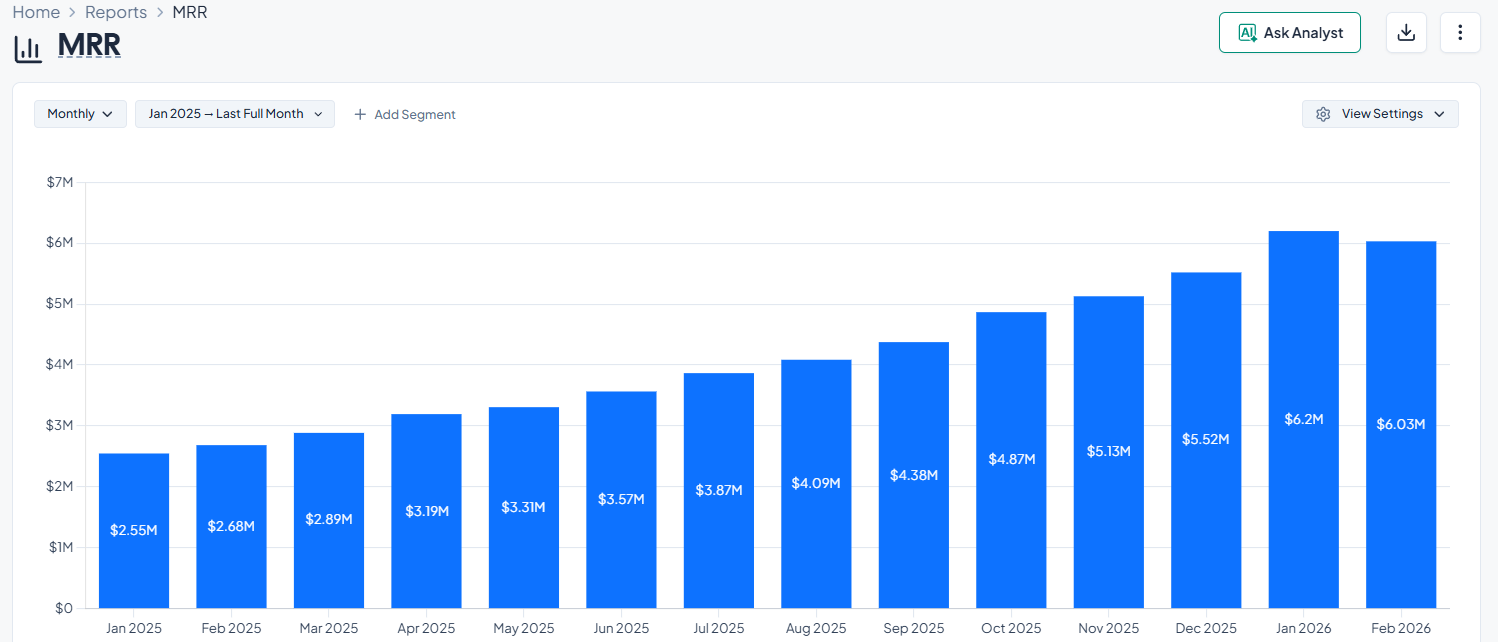
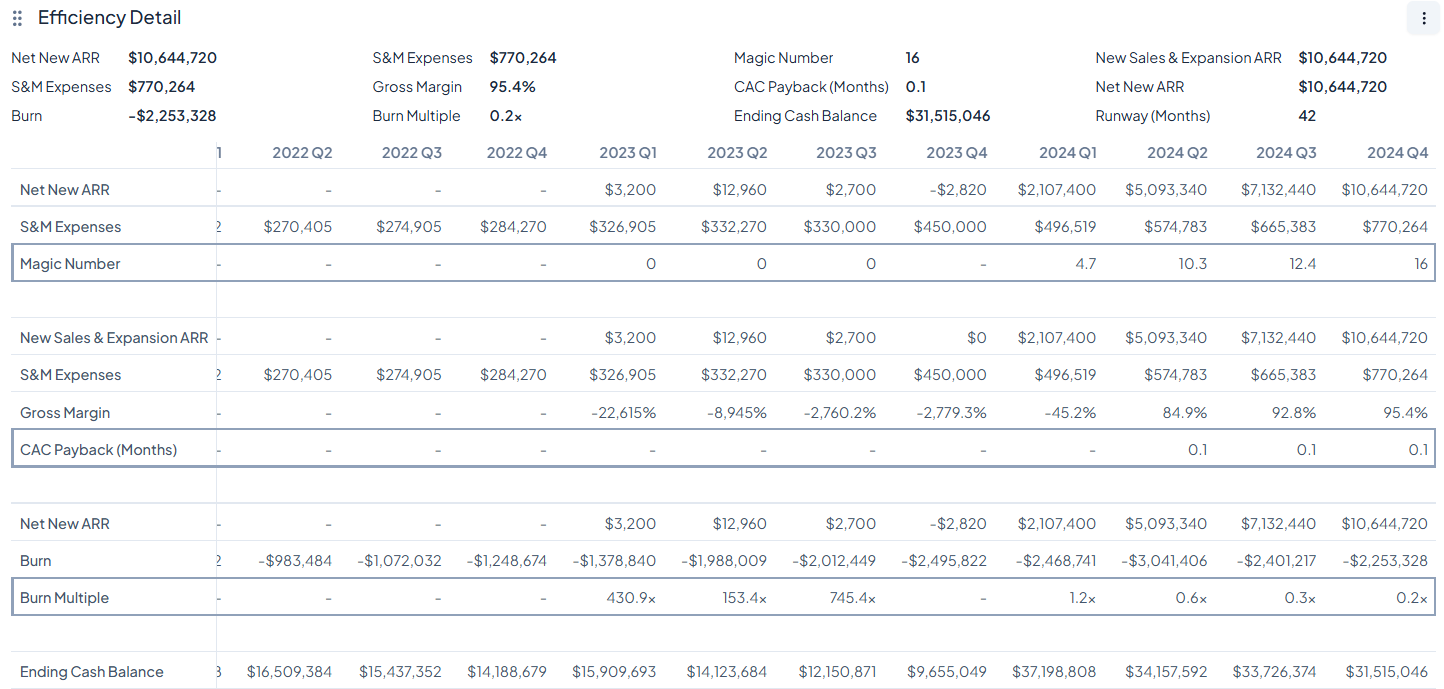
The platform satisfies critical demands for recognizing revenue as well. It helps keep track of ARR and MRR, cohort analysis, seeing deferred revenue, and allows you to look at past trends.
Because it has bespoke reports and automated data pipelines, you don't need to use spreadsheets and custom BI models as often.
What Users Like About Grid
Detailed segmentation and revenue metrics beyond basic reporting
People like that Grid lets them analyze revenue data in more ways than simple dashboards, giving deeper insight into SaaS performance than most BI tools.
“The way Grid lets us slice and dice data is 10x better than anything you can do directly in Stripe or QuickBooks.”
–
Grant C.
Responsive help and easy setup for integrations
Reviewers like that the support and engineering teams respond quickly and help with setup or improvements, allowing teams to start using revenue data sooner.
“Support/success team is proactive, receptive, and readily available.”
–
Sam H.
Easy-to-use interface and good value for tracking SaaS metrics
Users say the platform is simple to use and helps combine data from other tools, making automated revenue and SaaS metric reporting easier.
“It is very easy to use, almost free of cost, you will use the software almost every day because the value it adds to your data keeping, reporting and visualization.”
–
Zishan
What Users Dislike About Grid
Grid provides advanced revenue analytics, but some users point out challenges related to administration and pricing as companies scale.
Complex configuration for some admin workflows
A few users find that certain admin setup steps and dashboard configurations could be simpler and more intuitive, which can slow adoption.
“A few small admin report/dashboard configuration steps could be simpler or more user friendly.”
- Sam H.
Cost considerations for growing companies
Some reviewers mention that pricing changes make Grid less accessible once a company passes certain revenue thresholds, which affects ongoing value evaluation.
“Recently it has become paid for customers with more than 1m in ARR.”
- Zishan K.
2. Maxio: Contract-Driven Revenue Recognition for Subscription Businesses
Maxio is a SaaS program that helps subscription-based businesses keep track of their billing, invoicing, and revenue recognition all in one place.
Price
$599/month to Custom Pricing
Ideal use case
Early-stage and mid-sized SaaS businesses
User Score
4.4 ⭐⭐⭐⭐
Maxio works by connecting contracts, billing schedules, and revenue recognition rules. This helps businesses follow accounting standards like ASC 606, while cutting down on the need for manual calculations and lengthy spreadsheet formulas and processes.
This revenue recognition system uses subscription billing, automated revenue recognition and reporting. It keeps track of ARR, MRR, deferred revenue, renewals, and changes to contracts while making sure that revenue is reported correctly over time.
The platform works with popular CRM and accounting tools, so finance teams can always have the same information about sales, billing, and general ledger data.
Built-in reports help teams to prepare for audits, financial reviews, and configurable workflows to make it easier to deal with complicated SaaS situations like multi-year contracts.
What Users Like About Maxio
Strong automation for SaaS revenue recognition and ASC 606 compliance
Many finance leaders say Maxio automates revenue recognition workflows, creates compliant revenue schedules, and reduces manual work during audits and monthly closes, making it a system of record rather than just a reporting tool.
“The automation around ASC 606 compliance—especially the way it generates revenue schedules and journal entries—saves a significant amount of time and reduces the risk of errors.”
–
Verified User, Small Business
Deferred revenue management without spreadsheets
Users often highlight moving away from spreadsheet-based deferred revenue tracking thanks to built-in checks and integrated workflows that improve accuracy and consistency for finance teams.
“Automation and integration of deferred revenue management. Allowed us to move away from complex spreadsheets. Built in checks to ensure billing confinuity.”
–
John O.
Billing and invoicing tightly connected to revenue recognition
Reviewers say Maxio connects revenue recognition directly to billing, contracts, and customer data, making it easier to maintain a single source of truth and reduce reconciliation work.
“Maxio provides our company with revenue recognition data to support ASC-606. They also solve how we invoice customers.”
–
Warren B.
What Users Dislike About Maxio
Maxio supports revenue recognition and billing operations, but some users report limitations related to reporting depth, usability, and support for complex revenue scenarios.
Limited reporting flexibility for deeper revenue analysis
While Maxio covers core revenue recognition needs, users often say that customizing reports or building specific views requires exporting data to Excel, which adds friction to more advanced analysis.
“Some of the standard reports don’t allow for easy customization or filtering without exporting to Excel, which adds extra steps.”
- Verified User, Small Business
User interface challenges and learning curve
Several reviewers say the interface can be difficult to navigate, especially for new users responsible for contracts, billing, and revenue schedules, which may increase operational risk.
“The tool itself is not very user friendly, and trying to navigate around it can be frustrating. Managing customer transactions/contracts is complicated.”
- Ethan C.
Concerns around customer support and complex revenue edge cases
Some users report slow support response times or unresolved issues, particularly for long-term deferred revenue, credit memos, or system defects.
“Long -term deferred revenue issues associated with credit memos and no phone number to call customer service.”
- Warren B.
3. Salesforce: Configurable Revenue Recognition Within a Broad Enterprise Platform
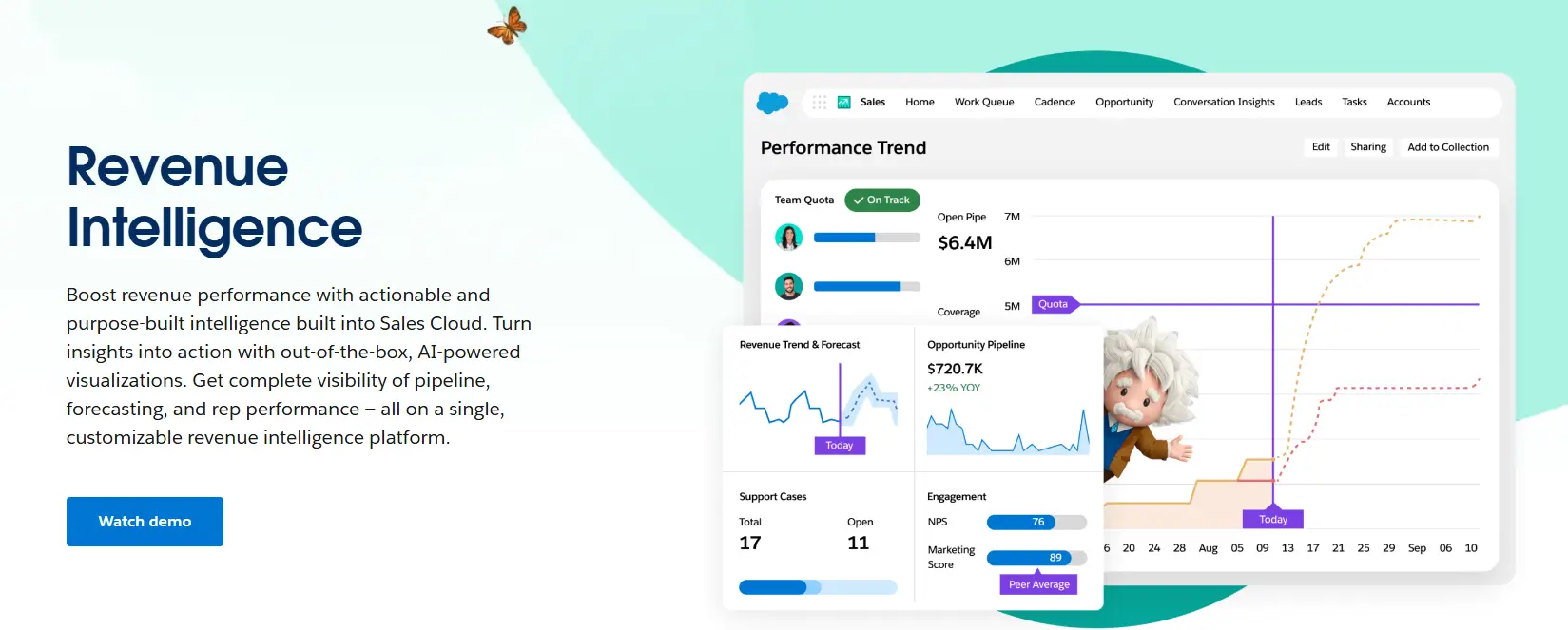
Salesforce's Revenue Cloud and FinancialForce features help with revenue recognition by helping manage complicated SaaS billing, contracts, and revenue schedules.
Price
$220 to $250 + Additional Tools
Ideal use case
B2B teams with high deal volumes
User Score
4.2 ⭐⭐⭐⭐
As a revenue recognition system, this platform helps businesses make sure that their sales agreements, subscription changes, and invoicing data are in line with revenue recognition rules. When used with the right configuration and integrations, it makes it easier to create and automate processes that follow ASC 606.
Salesforce CPQ, subscriptions, and contracts all send revenue data to billing and revenue schedules. This lets finance and RevOps teams keep revenue recognition closely linked to CRM data, customer lifecycle events, and changes to contracts.
It also has a flexible system that generates models for SaaS companies that constantly deal with complicated pricing, frequent changes, or multi-year subscriptions.
Flexible business processes that adapt to specific needs
Many users say Salesforce can be customized to fit very specific workflows, allowing teams to shape the platform around their processes using custom objects, automation, and integrations.
“What I like best about Salesforce Platform is its flexibility and scalability. It allows you to customise workflows, automate complex business processes, and integrate seamlessly with external tools without heavy development effort.”
–
Tanish S.
A strong ecosystem for integration and a single source of truth
Users often praise Salesforce for bringing CRM, marketing, support, and external tools into one system, reducing data silos and helping teams work from the same information.
“This is our one stop shop for key account information. I also love that it integrates with all our other platforms like Gainsight, 6sense, Marketo and more.”
–
Sarah A.
Automation that increases productivity for everyday tasks
Reviewers often highlight automation features that reduce manual work and improve efficiency across sales, support, and operations teams.
“Salesforce Platform helps centralize workflows, automate repetitive tasks, and manage data across multiple teams in one place.”
–
KETAKI C.
What Users Dislike About Salesforce
Salesforce is a powerful and flexible platform, but some users report challenges related to complexity, cost, and day-to-day usability.
Complexity and steep learning curve
Many users say Salesforce can feel overwhelming, especially for new teams without dedicated administrators, and that increased customization often requires specialized expertise.
“The biggest challenge with Salesforce Platform is its complexity. Even simple configurations can feel overwhelming for new users, and the learning curve is steep unless you have dedicated admins or developers.”
- KETAKI C.
Rising costs as usage grows
Pricing and add-on costs are a common concern, particularly as teams expand usage, adopt additional features, or require advanced customization.
“Licensing and add-on costs can also become high for growing teams.”
- Tanish S.
UI and usability limitations
Some users say parts of the interface feel outdated or slow, especially when working with large records, comments, or complex configurations.
“It looks and feels outdated. I've used Salesforce for 10+ years and it still looks the same.”
- Sarah A.
4. Tabs: Contract-Based Revenue Recognition and Billing Automation
Tabs is a software for SaaS and B2B companies that need to keep track of their revenue based on contracts.
Price
$1500/month to Custom Pricing
Ideal use case
Mid-market to enterprise B2B companies
User Score
4.7 ⭐⭐⭐⭐⭐
It helps teams following ASC 606 and IFRS 15 by automatically recognizing revenue from subscriptions, usage-based pricing, services, and hybrid contracts.
This software also makes billing, revenue recognition, and reporting available from a single place so users don't have to rely on spreadsheets and manual reconciliations like they would have to with traditional tools.
Tabs uses data from contract ingestion and usage to make revenue schedules from the source documents. This helps finance teams keep the same logic for recognizing revenue even with contracts that change over time.
The system also gives teams and users real-time views of deferred revenue, ARR, and revenue waterfalls, to help them with month-end closing and forecasting.
Tabs supports integrations with popular CRMs and ERPs like Salesforce, HubSpot, NetSuite, and QuickBooks. This platform might be a solid choice for teams that want a centralized revenue recognition system but don't want to have to rebuild their whole financial stack.
What Users Like About Tabs
Automated billing and revenue recognition from contracts
Many users highlight that Tabs automates billing and revenue recognition directly from signed contracts, reducing manual work and improving the accuracy of invoices and revenue schedules.
“Real agentic automation of the Order to Cash cycle. The platform ingests our contracts, schedules out our billing and rev rec schedules accurately, and then drafts up the recurring invoice stream.”
–
Brandon S.
Time savings and improved efficiency for finance teams
Users often mention significant time savings on invoicing, reconciliations, and month-end close, allowing smaller finance teams to operate with less manual effort.
“Overall, my time spent on invoicing has dropped by nearly 80%, freeing me up to focus on more impactful work.”
–
Anna F.
Strong integrations and a single source of truth
Reviewers say Tabs works well with other finance and revenue tools, making it easier to maintain consistent records and keep all financial data in one place.
“With easy invoice generation and integration with Salesforce, Tabs has transformed how we manage our financial activities.”
–
Russel D.
What Users Dislike About Tabs
Tabs is used for billing and revenue operations, but some users report challenges related to implementation timelines, reporting depth, and handling complex contract scenarios.
Longer-than-expected implementation timelines
Some users say that getting up and running can take more time than anticipated, particularly for complex billing models or evolving requirements.
“Implementation took longer than I was expecting - we went live with invoicing about 5 months after we signed our contract.”
- Brandon S.
Gaps in reporting and advanced revenue accounting
Some reviewers note that reporting capabilities and advanced revenue accounting features lag behind other parts of the platform.
“Reporting falls behind and takes a backseat when compared to other portions of the software.”
- Nima M.
Manual review required for contract ingestion and edge cases
While automation is seen as a strength, users say that complex contracts or exceptions are not always handled correctly on the first pass.
“Tabs doesn't always capture contract exceptions correctly the first time.”
- Alex B.
5. Synder: Transaction-Level Revenue Recognition for High-Volume Payments
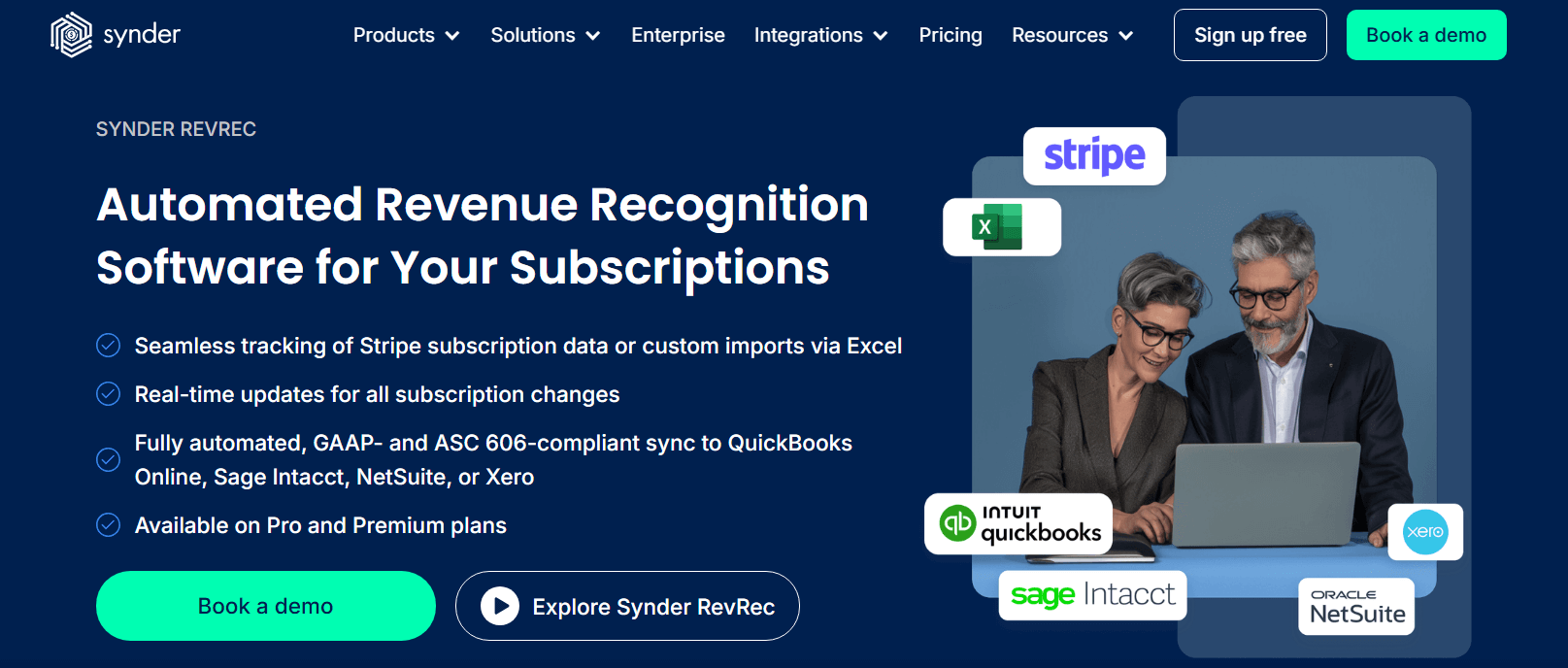
Synder is a revenue recognition platform that makes it easier for payment processors to send transaction data to accounting systems.
Price
$52/month to Custom Pricing
Ideal use case
Mid-market to enterprise B2B companies
User Score
4.7 ⭐⭐⭐⭐⭐
It helps businesses keep track of their revenue by syncing detailed sales data from ecommerce channels like Stripe, PayPal, and Shopify directly into tools like QuickBooks Online and Xero. Synder helps teams keep their financial records clean and accurate by breaking down payouts into separate transactions, fees, refunds, and taxes. Leading to a clear view of the financial state and transactions.
This software also helps make sure data is accurate, it aids in reconciling it, and keeping it consistent.
It provides a smart rules engine that lets finance teams decide how to group revenue: by product, customer, or revenue stream. This is designed to help them follow the rules for recognizing revenue.
The platform also records details about each transaction instead of just summary payouts, reducing the need for manual journal entries and long spreadsheets. This method makes it easier to get ready for audits, speeds up the closing process, and lowers the risk of errors caused by incomplete or combined data for SaaS and ecommerce companies with a lot of transactions.
What Users Like About Synder
Accurate revenue syncing between accounting systems and payment platforms
Users often say that Synder keeps revenue records accurate by syncing data at the transaction level rather than the payout level, reducing manual work and increasing confidence in financial reporting.
“It saves time by automating data entry and ensuring accuracy in financial records.”
–
Cristian C.
Rules-based automation that speeds up the closing process
Many reviewers highlight Synder’s smart rules as a way to handle complex revenue streams more easily and accelerate month-end close, especially for SaaS and e-commerce use cases.
“The Smart Rules Feature works great to customize categorization of different revenue streams, products, and customers.”
–
Justin D.
Helpful customer support during setup and ongoing use
Users frequently mention strong customer support, particularly when setting up revenue recognition workflows or resolving sync issues.
“Synder's customer support has been very helpful in training us as well as working with our in-house tech team to incorporate more features specifically to our needs.”
–
Tamarie A.
What Users Dislike About Synder
Synder helps automate accounting and revenue syncing, but some users report challenges related to onboarding, pricing limits, and manual handling of edge cases.
Challenging initial setup and learning curve
Some users say that getting started with Synder can be difficult, particularly for teams without prior experience using accounting software.
“One downside is that the initial setup can be a bit complex, especially for users who are not familiar with accounting software.”
- Cristian C.
Pricing tiers and subscription limits
Some reviewers note that pricing plans include usage caps, which can become a concern as transaction volumes increase.
“One thing to keep in mind is that the different subscription tiers include different allowances in terms of syncs per month.”
- Justin D.
Manual review required for refunds, chargebacks, and edge cases
While core revenue syncing is automated, users say that certain accounting edge cases still require manual review.
“Refunds and chargebacks still require manual effort to get right in the accounting platform.”
- Andria R.
Conclusions
There are many different types of revenue recognition platforms, each with its own purpose and scope.
Grid's main focus is on SaaS metrics and making recurring revenue easy to see. Maxio is all about billing, compliance, and workflows for deferred revenue. Salesforce is flexible because you can customize it, but it takes more time to set up and manage.
Tabs focuses on contract ingestion and automated revenue schedules. Synder is great at getting detailed transaction data from payment platforms to work with accounting systems.
The best option for you will depend on how complicated the contracts you manage are, how many transactions you’re getting month over month, and how closely revenue recognition needs to be linked to billing and accounting.
Try out these tools whenever possible before committing to a long contract and make sure to review user experience from businesses similar to yours.
Co-Founder and CEO at Grid. Ethan has over 10 years of experience in SaaS. He created Grid to help businesses get clear data without having to spend hours wrangling data and writing SQL queries.
In this guide, Chris breaks down the four metrics that help businesses optimize their performance, attract investor confidence during their next funding round, and position themselves for scale.
SaaS businesses are attractive to investors because of their potential to have high gross margins and predictable CAC payback which can create highly profitable businesses.





.jpg)


