
SaaSGrid is now Grid! Read about our evolution here.
Payment reconciliation means reconciling your internal record of payments with what actually settled via your bank, processor or gateway. This means invoices, payouts, refunds, fees, chargebacks and all the little timing differences that make cash look neater on a spreadsheet than it does in real life.
Because it protects cash accuracy, helps identify fraud or errors and gives finance teams numbers they can actually trust during close and audit.
That’s also why payment reconciliation can quickly become time consuming and painful. When you add multiple payment channels, gateway batch deposits, ACH transfers, partial payments, missing references, or processor fees, finance becomes a detective story.
Usually the problem isn’t “matching” in theory. The issue is reconciliation across disparate systems, messy data and settlement behaviour that isn't clean with invoices.
A full reconciliation payment workflow usually checks:

A good payment reconciliation process usually follows four stages.
For one, it keeps cash honest. On paper a business can look like it’s paid, while cash is still delayed, netted out by fees or held in an unmatched payout. Reconciliation is how you know if cash actually hit like you think it did.
Second, it finds errors and frauds faster. Reconciliation should be done regularly, not just at month-end. This makes it much easier to find unauthorised transactions, duplicate payments, unrecorded refunds and settlement discrepancies.
Third, it improves reporting reliability. In finance, invoice status, payment status, and bank activity all tell different stories. There’s no clean reporting, forecasting, or audit support.
The right payment reconciliation software for your business depends on where the mess starts.
If the mess starts in billing, contracts, invoice schedules, and payment collection, you need more than a back-end matching engine. If the mess starts in bank and GL reconciliation across a full accounting stack, ERP-native software may fit better. If the mess comes from sheer payment volume and exception handling, then a specialized reconciliation platform becomes more attractive.
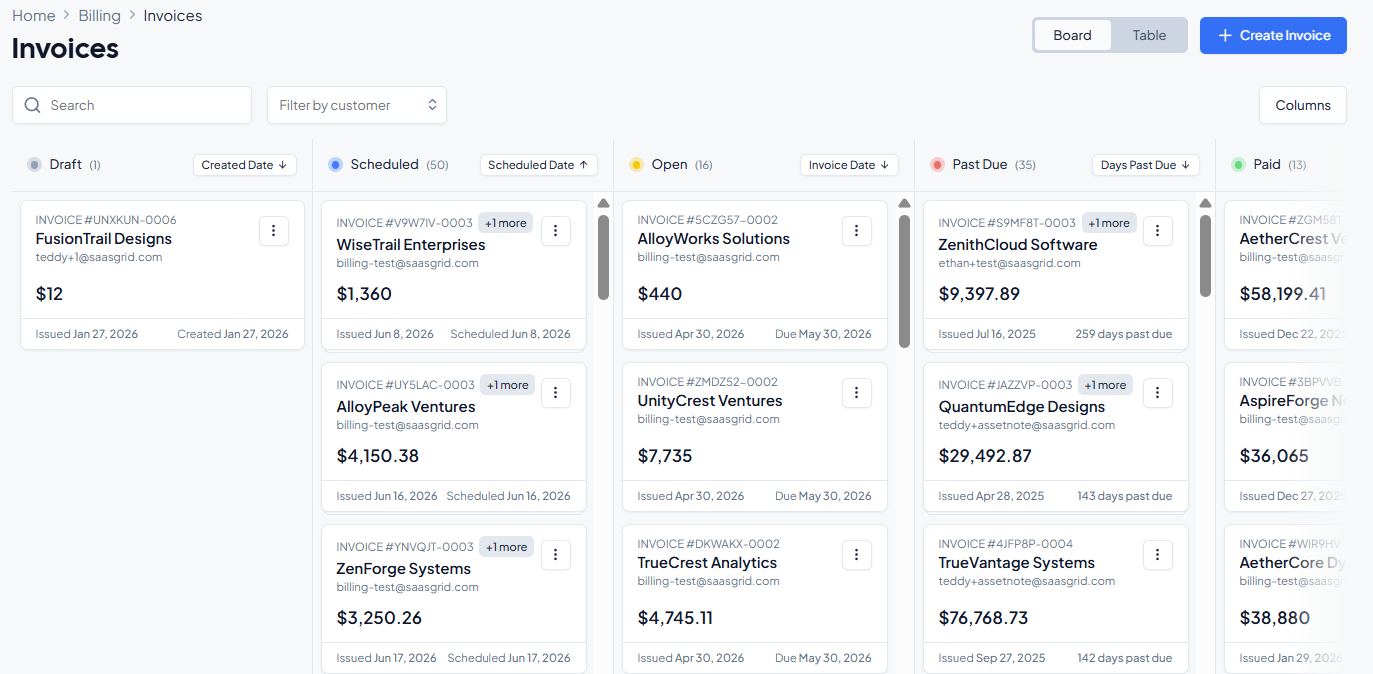
A strong payment reconciliation system should usually have:
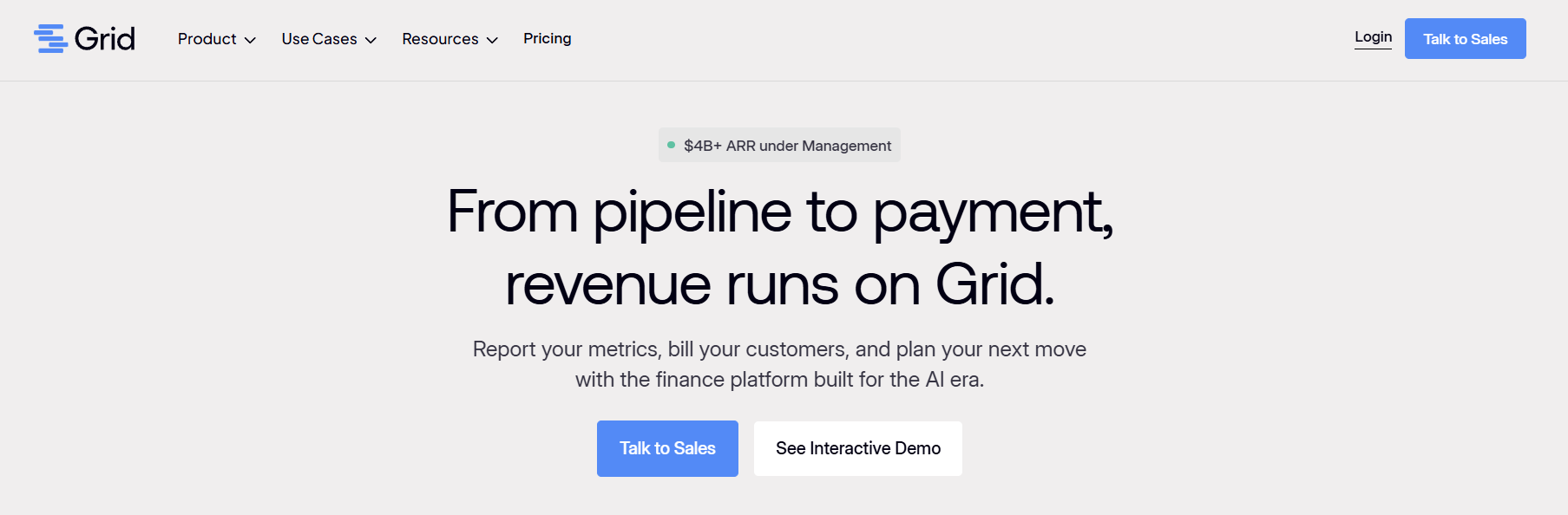
Grid the best fit for you if you notice reconciliation problems starting upstream in billing structure, not just downstream in bank matching.
A lot of Stripe-heavy workflows start to break once teams move upmarket. Bigger customers want invoices instead of payment links, finance needs more control over invoice schedules and collections, and contract changes like seat additions or usage-based updates create manual proration and reconciliation work.
Grid’s billing product is built around those exact pain points: bookings and billing drift, manual catalog maintenance across CRM, Stripe, and ERP, rigid collections logic, and broken automation between contracts, invoices, and accounting.
HRSoft’s CFO was spending hours aggregating and reconciling Excel files from Salesforce and end-of-month ERP data just to produce accurate ARR reporting. After connecting Salesforce and NetSuite, the team used Grid as a single source of truth for ARR, retention, funnel efficiency, and pipeline visibility, with new deals syncing automatically and reports updating in real time.
The result was less Excel work, faster answers for investors, and better visibility across finance and go-to-market reporting.
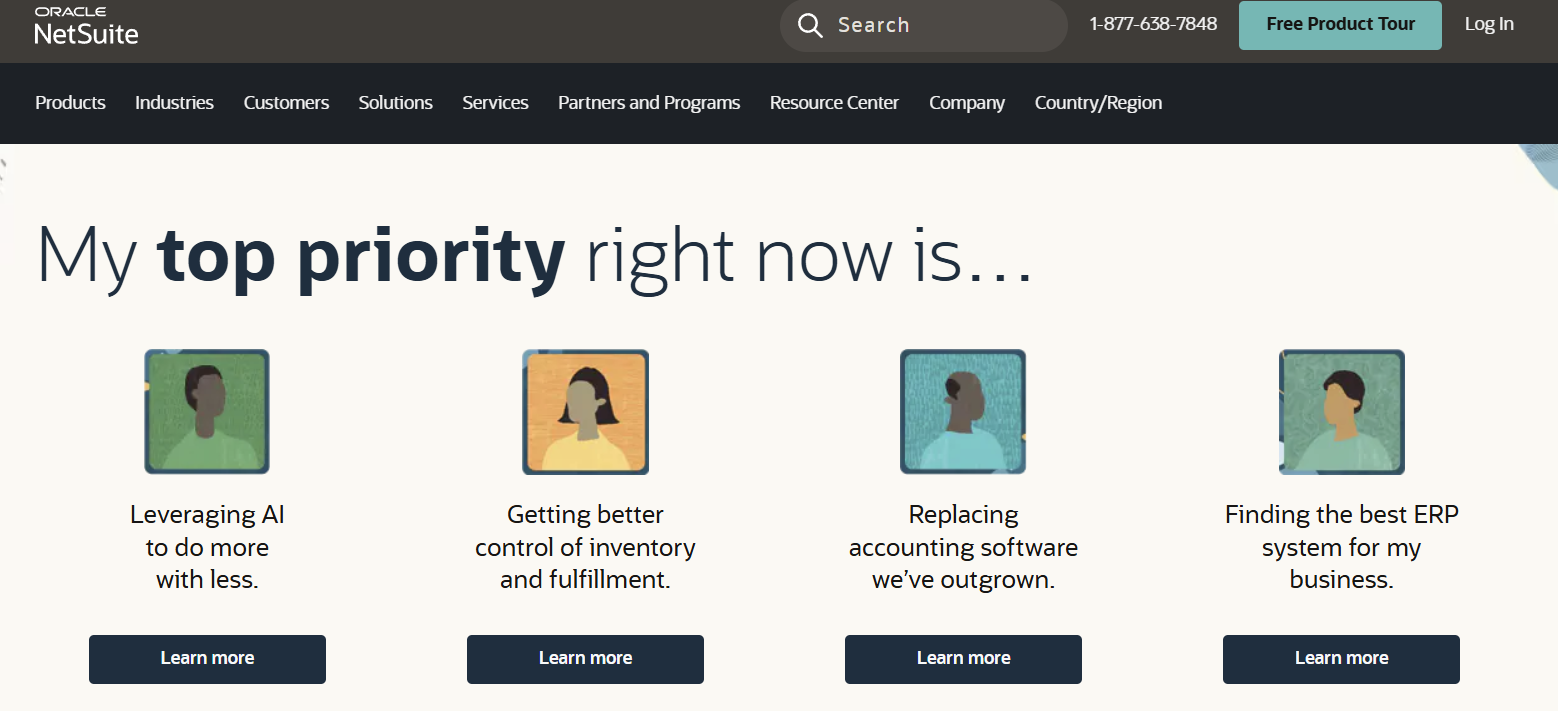
NetSuite is a good fit when reconciliation is part of a bigger accounting workflow, not just a payment operations problem.
It works well for finance teams that want one environment for bank reconciliation, account matching, period close support, and exception documentation. It is especially useful when reconciliation touches multiple account types beyond payment processor data alone.
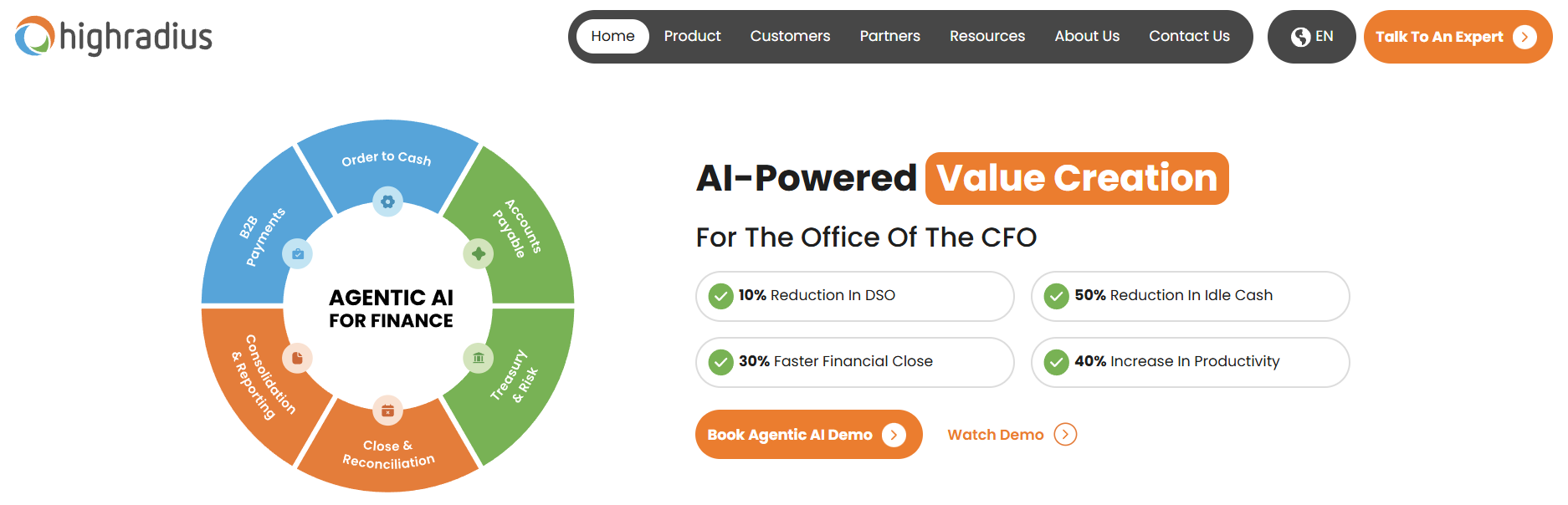
HighRadius is the sort of automated payment reconciliation platform that makes sense when scale is the main problem.
It's built for teams that need centralized exception handling, more aggressive automation, and faster close support. If the issue is sheer transaction complexity, this could be a much better fit than a simpler accounting tool.
For example, a global company that needs to reconcile processor settlements, bank activity, and internal records across multiple markets could get automated high-confidence matches while ambiguous cases get routed for review.
Stripe is a practical option for online payment reconciliation when one platform is already handling most of the payment flow. It works best when the reconciliation job is mostly about connecting gateway activity to internal records and understanding how processed transactions turn into deposits. The limitation is that it is strongest inside its own ecosystem. If a business has multiple processors, bank-heavy payment flows, or invoice-first B2B collections, this won’t solve the whole problem.
An ecommerce brand uses one gateway for card payments and wants to tie orders and invoices back to gateway charges, payout files, fees, refunds, and bank deposits.
Ramp is less of a dedicated payment reconciliation tool and more of a finance operations platform that reduces reconciliation pain upstream on the spend side.
It helps when the real issue is messy transaction coding, weak visibility, and too much manual cleanup between spend systems and accounting.
A growing company has a lot of card spend and bill payments can find value in Ramp. Its accounting deparment could appreciate cleaner categorizations and synced transaction data so reconciliations take hours instead of days.
Manual reconciliation still works, when there isn’t a lot of volume of transactions and the payment flows are simple. But once a business has multiple channels, batch settlements, ACH transfers, refunds, fees, partial payments or cross-system billing logic, spreadsheets just aren't reliable.
That’s why payment reconciliation software is important. The goal isn’t only to match transactions faster. It’s to make finance less reliant on manual clean-up and more confident in what the numbers actually mean.


Five SaaS enterprise solutions that make your business more efficient, coordinated, and able to grow.
Methods, models, and examples to help SaaS leaders plan growth, manage risk, and make smarter decisions.
A practical look at five SaaS automation tools, comparing real user feedback on workflows, limits, and fit.



.jpg)