
SaaSGrid is now Grid! Read about our evolution here.
Businesses have been using SaaS enterprise solutions for a while now, mostly as a standard way to run, grow, and deal with change.
SaaS helps cut down on infrastructure costs and use tools that are easier to set up and keep up with by moving software delivery to the cloud.
This article looks at five SaaS business solutions that meet common needs in areas like finance, marketing, operations, customer service, and internal communication. We’ll talk about features, pricing and what users are saying.
Software as a Service is important for your business because it changes the way technology is used, operated, and scaled. Since you’re not running everything in house, upfront investments are smaller, less specialized teams are needed, and it speeds up deployment and time to value. Implementing SaaS is a business model choice that affects efficiency, resilience, and long-term competitiveness.
SaaS brings economic, time, and operational advantages to most businesses, including:
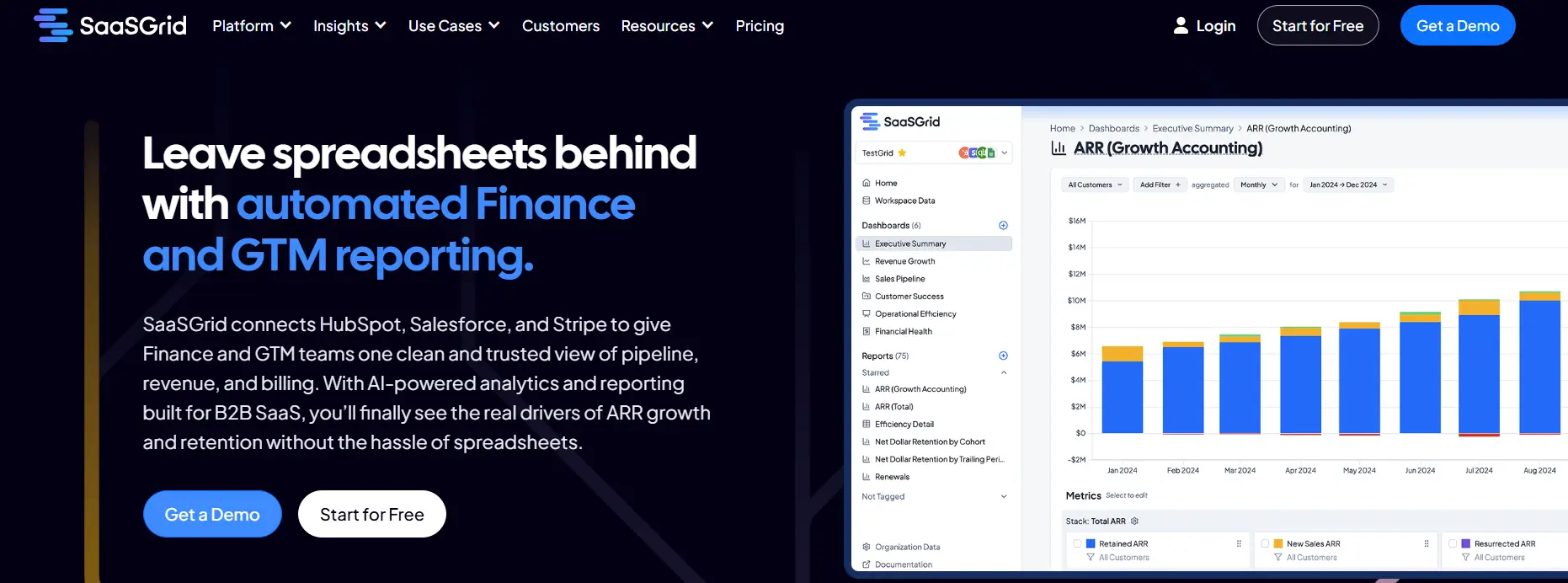
Grid is a SaaS analytics platform designed to help enterprises manage subscription metrics and revenue reporting with consistent definitions across teams.
Grid helps you deal with common business problems like broken KPI tracking, slow reporting cycles, and losing time due to having to do everything by hand in spreadsheets. Take a look at Grid's refreshed platform experience to see how it handles this.
By putting all your SaaS metrics in one place, it cuts down on operational costs, makes financial information easier to understand, and speeds up the process of starting new reporting processes.
Grid focuses on automation and standardization for bigger companies instead of one-time analysis. It uses predefined logic to figure out core SaaS KPIs like MRR, ARR, churn, retention, and expansion. This makes it easier for finance, operations, and leadership teams to work with the same numbers.
User feedback often points out that automated reporting saves time and makes it less necessary to use custom dashboards. This helps businesses like yours save money on reports, get teams to work together better, and make it easier to keep an eye on subscription performance on a large scale.
Take a look at Grid's refreshed platform experience to see how it handles this.
HubSpot is a SaaS business solution that brings together marketing automation, customer data, and campaign execution on one platform.
It helps businesses get rid of separate marketing tools and use one system for lead capture, email automation, campaign management, and performance tracking.
HubSpot also helps teams automate repetitive marketing tasks and keep processes the same across regions and business units.
At a deeper level, HubSpot helps businesses by automating workflows, using CRM to segment customers, and providing integrated analytics. Marketing teams can automatically nurture, score, and route leads based on what real customers do, which cuts down on the need for manual handoffs between marketing and sales.
People who use the system often say that having automation, CRM data, and reporting all in one place is helpful because it cuts down on operational costs and makes it easier to scale up.
Asana helps teams manage their work, keep track of tasks, and automate their workflows.
It helps to organize projects, assign ownership, and keep track of progress, cutting down the time you usually spend on manual coordination.
It’s made to replace old fashioned tools like spreadsheets and email threads with structured, repeatable processes.
Dashboards and reports are visual and easy to follow to help teams automate routine tasks, keep an eye on workloads, and show the current progress on each project, as well as sharing updates.
Asana can be used by people in different departments because it has enterprise features like role-based access, security controls, and connections to common business systems. This makes things easier to see, speeds up launches, and lowers the cost of coordinating while keeping teams on the same page about what needs to be done.
Zendesk is a SaaS customer service platform that lets businesses handle all of their customer interactions.
It helps with structured ticket handling, faster problem solving, and consistent service delivery on a large scale.
Zendesk brings together email, chat, phone, and social interactions into one workflow. This makes daily operations easier to run and helps agents get more tasks done, while reducing forgotten tasks.
Automation and AI features make it easier for teams to route tickets, decide which requests are most important, and do repetitive tasks automatically.
User feedback often points out how well it can handle a lot of tickets and keep track of complicated support operations.
Slack is a SaaS communication tool that lets businesses keep track of all their internal conversations in one searchable workspace.
It gets rid of scattered email threads and replaces them with structured channels and direct messaging, which makes things clearer and speeds up response times for all teams.
Slack is a SaaS business solution that organizes work into channels based on projects, departments, or topics. This structure makes it easier for teams to share decisions, documents, and updates without losing track of what they were talking about. Integrations with tools like CRM, project management, and file storage systems bring all of your business processes together in one place. A lot of the time, user feedback shows that this speeds things up and makes it easier to work together on a large scale.
Slack also lets you automate tasks and manage basic workflows, which helps teams work together less manually. Searchable message history and shared files make it easier for teams that are spread out and work on different things to get the information they need.
SaaS enterprise solutions help modern businesses by making processes more consistent and making it easier for everyone to access shared data.
Tools for reporting revenue, marketing automation, project management, customer service, and messaging each help with different operational issues, but they work best when used together.
In all of these cases, some of the benefits are less manual work, better visibility, and systems that grow with the business. Choosing SaaS platforms that fit the needs of the business helps companies stay consistent, keep costs down, and support long-term performance. With Grid you can test the fit before committing to a full rollout.


Follow these seven simple steps to make Salesforce work for your subscription business.
.jpg)
We enhanced the Grid experience to give you more refined data segmentation capabilities, new integrations, and more hands-on support from our team.
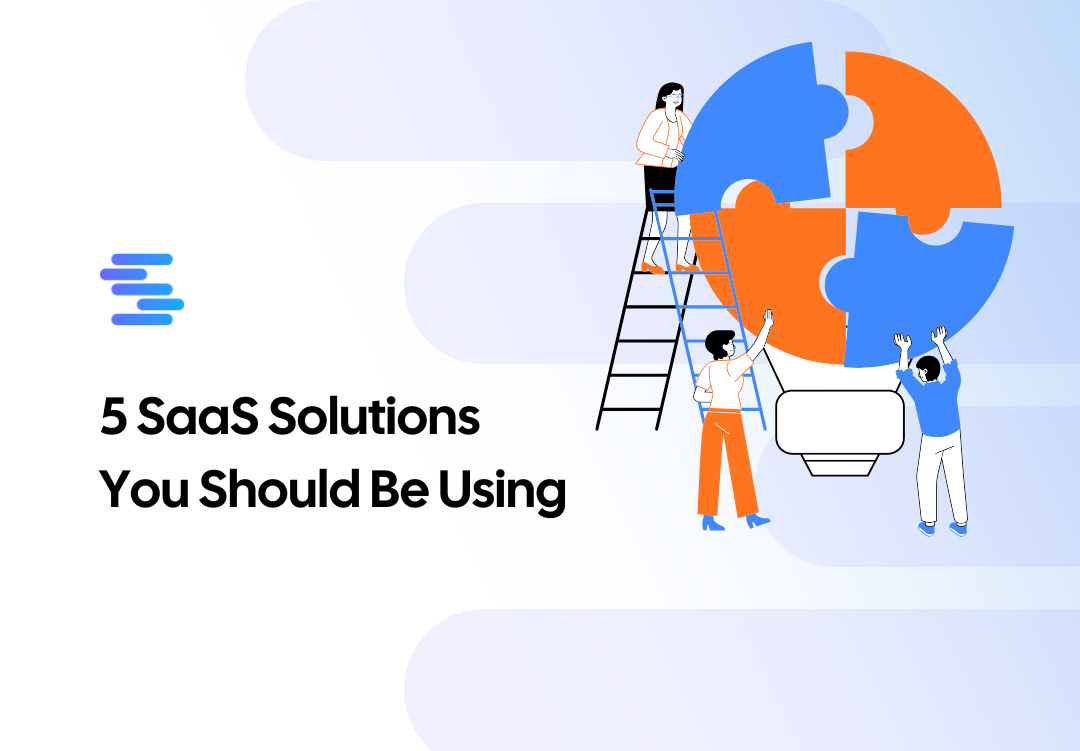
Five SaaS enterprise solutions that make your business more efficient, coordinated, and able to grow.
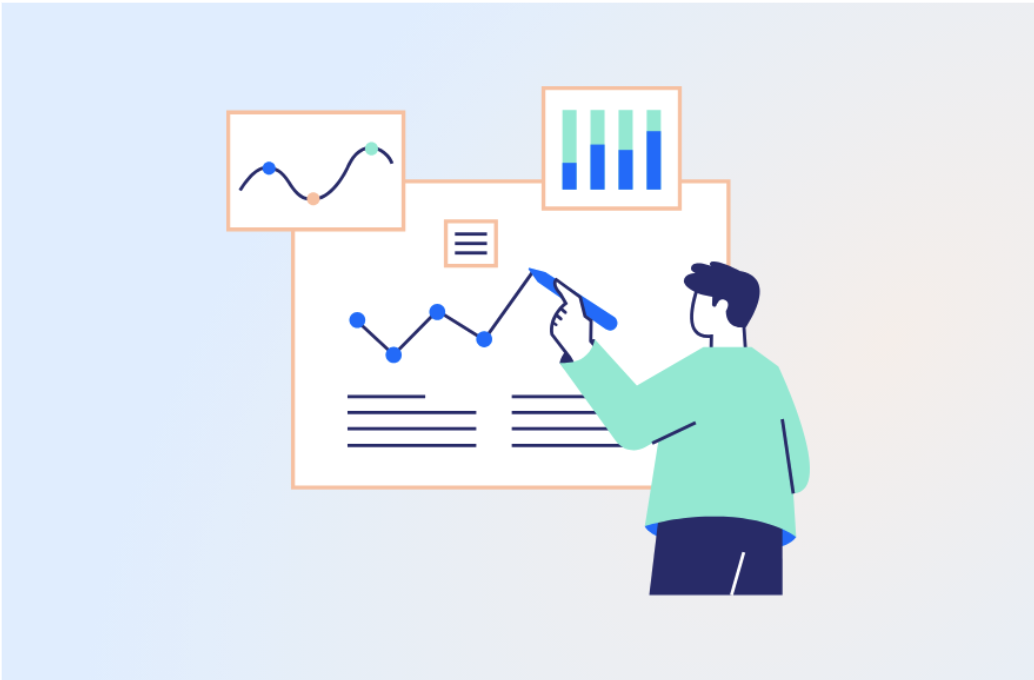
We’ve outlined five key criteria that separate truly scalable reporting platforms from tools you’ll outgrow in 12 months.


