
SaaSGrid is now Grid! Read about our evolution here.
To keep an eye on SaaS performance, you need to be able to see all of its revenue, usage, costs, and operations. As your team starts using more tools, data can get spread out across the systems used by finance, product, IT, and go-to-market teams.
SaaS tracking software helps bring all of this information together, use the same definitions, and make it easier to understand how well things are going over time. For teams evaluating category fit, it also helps to review how SaaS reporting tools differ from broader tracking platforms.
We’ll take a look at five SaaS tracking tools, each with a different focus, to show how they can help with reporting metrics, analyzing usage, planning finances, and making software more visible.
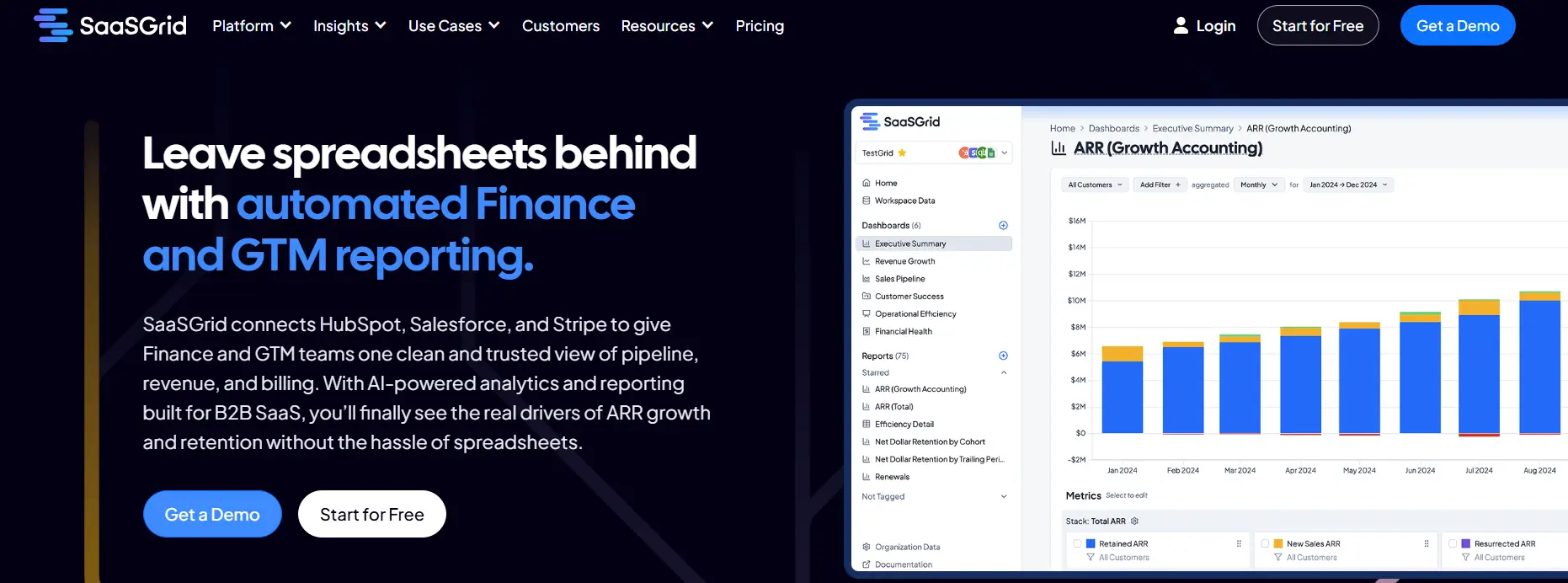
Grid is a SaaS tracking platform that puts all of your recurring revenue, pipeline, and operational metrics into one reporting layer.
Grid helps you by pulling all your data from billing, CRM, and finance systems and putting it together under consistent metric definitions. This makes it easier for your team to keep track of ARR, MRR, churn, retention, pipeline movement and other key metrics without having to check multiple dashboards or waste time on spreadsheets.
In reviews users often mention that they like that it creates a shared source of truth for finance, product, and go-to-market teams, which helps them make better decisions about SaaS management.
Grid is a tool focused on tracking and reporting that also integrates commonly used tools like Stripe, Salesforce, and Hubspot into a single platform so you stop living in scattered systems. Keep in mind that strong tracking gets much easier when teams have shared dashboards instead of manual exports and spreadsheet rollups.
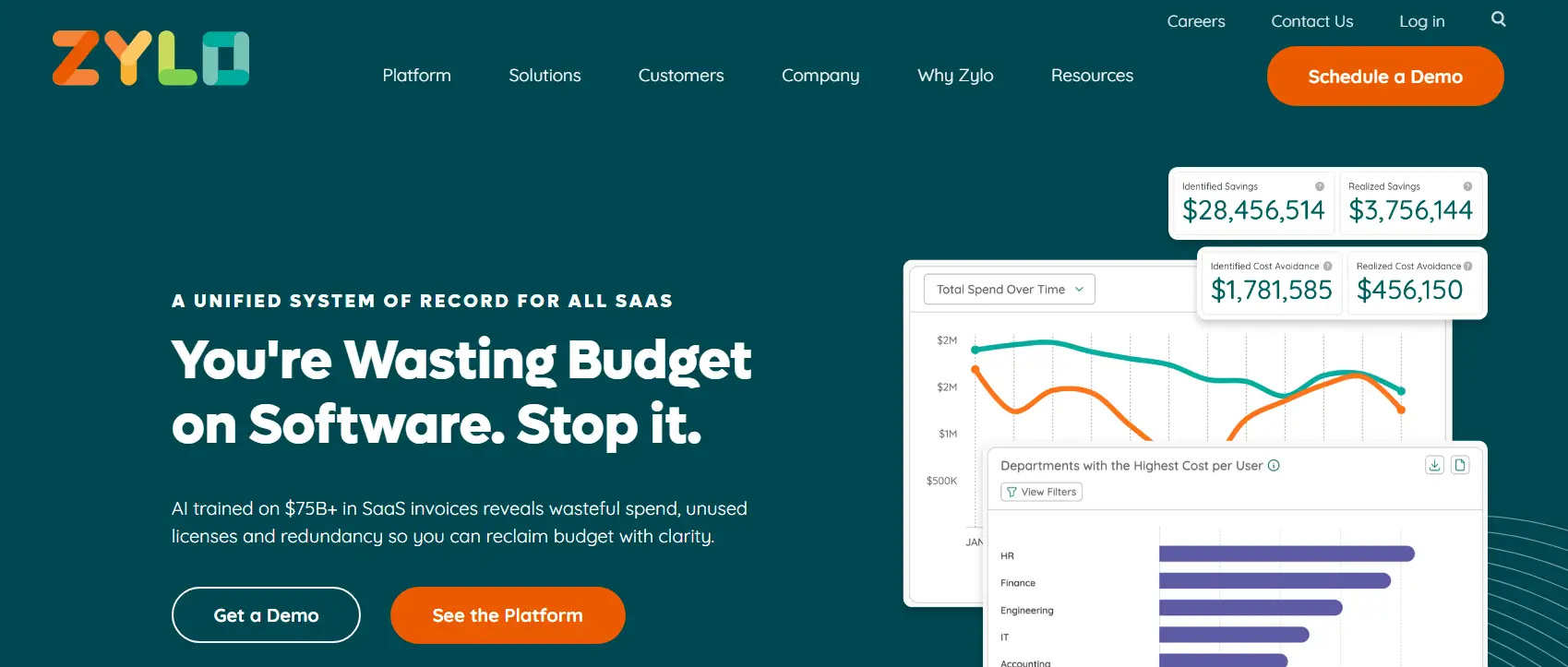
Zylo is a SaaS tracking platform that helps companies find, keep track of, and keep an eye on all of the software applications that are being used by them, even shadow IT.
Zylo is a SaaS tracking and management tool that puts all of your application's, license's, usage's, and spending data into one system of record.
IT, finance, and procurement teams often use it to find out where SaaS tools are used, who owns them, and how costs are split up between departments.
User reviews highlight that the platform allows them to make things more visible, helping them find extra tools and licenses that aren't being used in big environments. This makes Zylo effective for SaaS platforms with decentralized purchasing.
Reviews also say that Zylo is more about discovery and governance than execution, though. Taking action on insights like cleaning up licenses or combining vendors often means doing things by hand outside of the platform, which can slow down time to value for smaller teams.
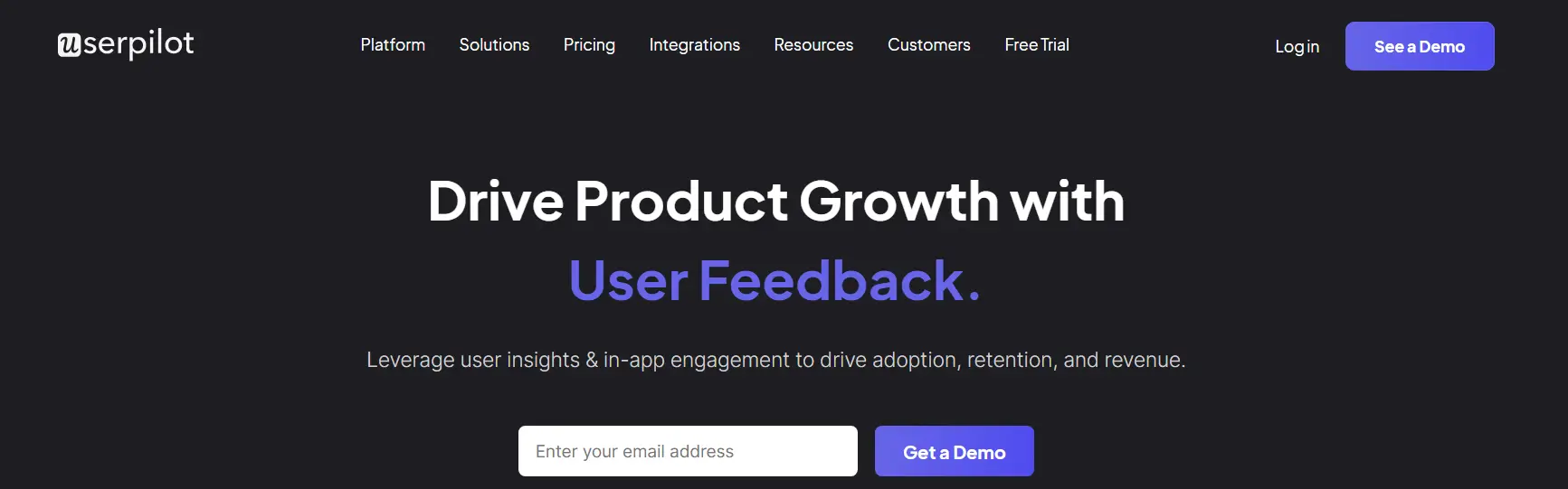
Userpilot is a SaaS platform that helps teams keep track of how clients use their products and guide them through onboarding flows to increase adoption and engagement.
Userpilot is a SaaS tracking tool that focuses on recording how users use product features and go through onboarding flows. It helps teams keep track of usage events, group users by how they use the product, and look at patterns of adoption automatically, saving time on data analysis.
Reviews often mention how helpful it is for figuring out if new features are being found and used, which helps SaaS platform product and customer success teams do their jobs. In-app prompts and walkthroughs also make it easier to use tracking insights right away.
Keep in mind that Userpilot is not a complete SaaS management tool. Many reviews say that advanced analytics, financial tracking, and cross-application visibility are not very good, so it might be best for you to use it in tandem with other SaaS tracking or management platforms.

Mosaic is a SaaS tracking platform that helps businesses keep an eye on their finances by using forecasting, planning, and scenario modeling based on recurring revenue.
Mosaic is a SaaS tracking tool that looks at metrics that are more about the future than day to day use and metrics. It takes revenue data, headcount plans, expense assumptions, and puts them together into shared financial models that finance and leadership teams can use.
Reviewers mention it’s very good at scenario planning, board reporting, and getting everyone on the same page with a single forecast. This way teams can keep an eye on how SaaS performance might change when growth or costs change as well.
It’s important to note that Mosaic isn’t meant to keep track of specific product usage or licenses. Reviews also mention that it can be hard to learn how to use at first and that it isn't very useful outside of the finance departments. This means it could work best with operational SaaS tracking platforms for any businesses looking for more comprehensive control of their day to day operations.
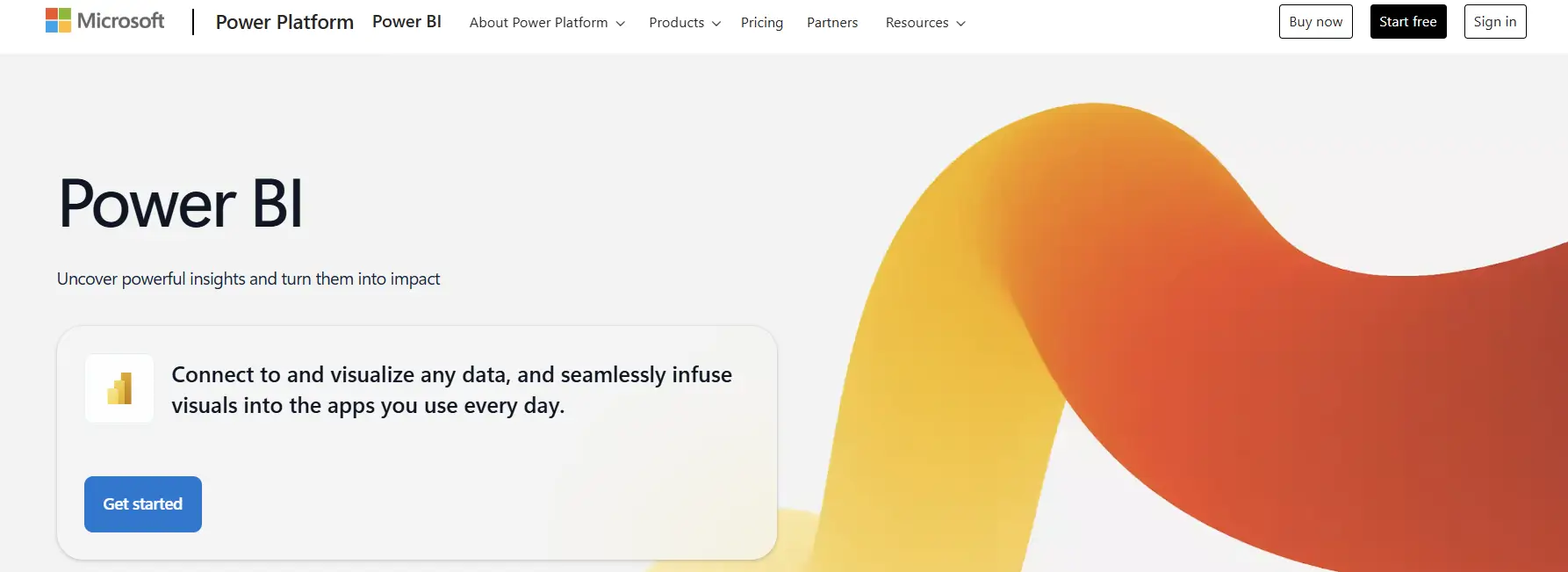
Power BI is a business intelligence tool that lets companies keep track of their SaaS use, how much it costs, and how well it works across teams and tools.
Power BI tracks SaaS by bringing together data from finance systems, application logs, identity providers, and SaaS platforms.
From Power BI, teams can see how many licenses are being used, how many people are using them, how much each department is spending, and how well their KPIs are doing. This makes it easier to see which SaaS platforms are useful and where people stop using them or where there are too many of them.
Power BI is best for companies that already collect reliable SaaS data from other places and need to be able to report on it in different ways. The biggest hurdle with Power BI is that SaaS tracking needs upstream data modeling and integrations, which makes it harder to set up than SaaS management platforms that are made for this purpose from the get go.
There is no one answer to the problem of SaaS tracking. Some tools put more emphasis on metrics for recurring revenue and the pipeline, while others put more emphasis on software discovery, user behavior, forecasting, or flexible analytics. A practical starting point is to focus on the growth metrics that matter most before expanding into more advanced reporting.
The best choice depends on how the team is set up, how mature the data is, and what questions the business needs to answer on a regular basis. Teams can combine tools when they need to and get a better picture of how SaaS is doing by knowing what each platform tracks well and where it falls short.

Learn how BI reporting turns raw data into dashboards and reports that drive clear, consistent business decisions.

The right financial reporting tools help you make accurate, fast, and better decisions. Find the right one for your needs.
Compare five revenue cycle analytics tools and learn how they improve visibility, cash flow, and RCM decisions.



